

Interrotron Teleprompter Rental Services
Help interview subjects maintain direct, natural eye contact by placing the interviewer’s face on the camera sightline.


Keep the conversation connected to the lens
An Interrotron-style setup lets talent engage with the interviewer while looking directly into camera, reducing self-conscious delivery.
- Natural interviewer connection
- Strong direct-to-camera eyeline


tell us what you’re planning
why use an interrotron teleprompter for interviews and documentaries
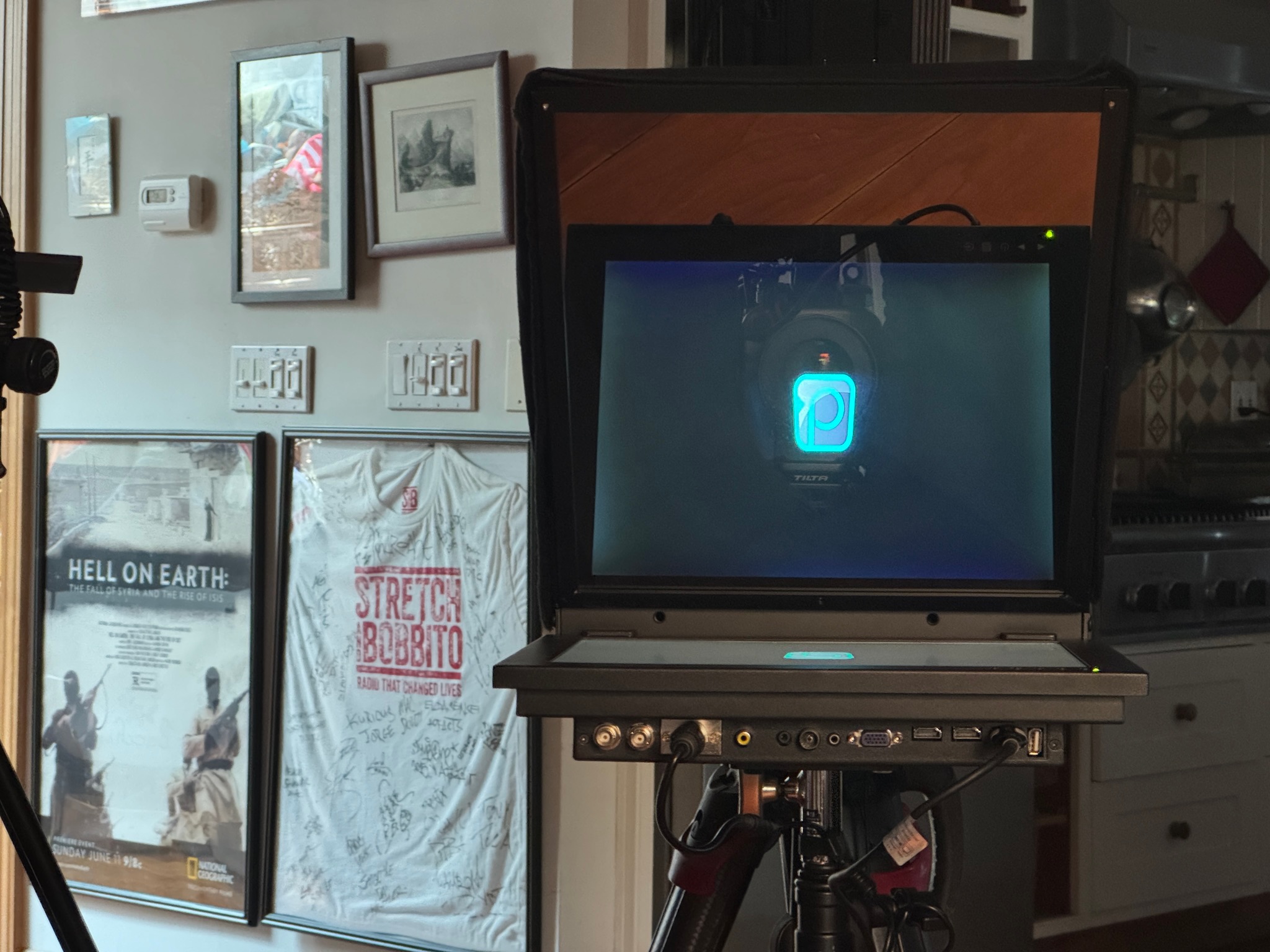
Traditional interview setups often result in the subject looking slightly off-camera while speaking to the interviewer. The Interrotron teleprompter solves this by placing the interviewer’s image directly in front of the camera lens, allowing the subject to maintain direct eye contact while still engaging naturally in conversation.
This technique creates a more intimate and compelling viewing experience, which is why it is widely used in documentary filmmaking, storytelling interviews, and high-end video productions. The result is a conversation that feels more personal and engaging for viewers.
With professional setup and technical support from Prompster’s team, the Interrotron system integrates seamlessly into production environments, helping filmmakers capture authentic performances while maintaining strong visual connection with the audience.
create authentic eye contact in documentary interviews
The Interrotron teleprompter allows interview subjects to maintain direct eye contact with the interviewer while also appearing to look straight into the camera, creating a more personal viewing experience.
ideal for documentary filmmaking and storytelling interviews
Interrotron teleprompters are commonly used for documentary films, executive interviews, and branded storytelling videos where authentic on-camera connection is essential.
.jpg)
Hire
Pair the system with operators who support interview pacing and technical setup.
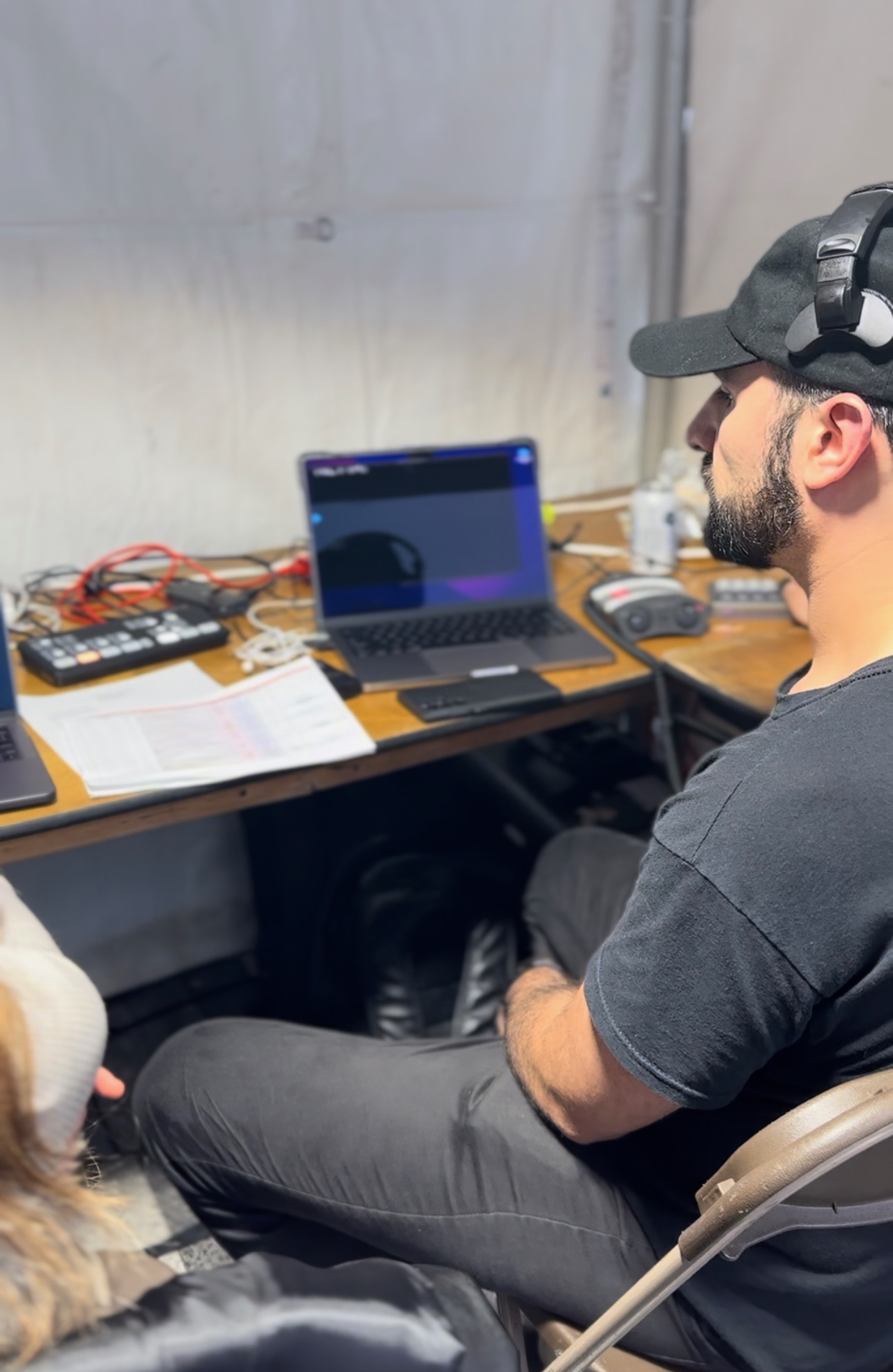
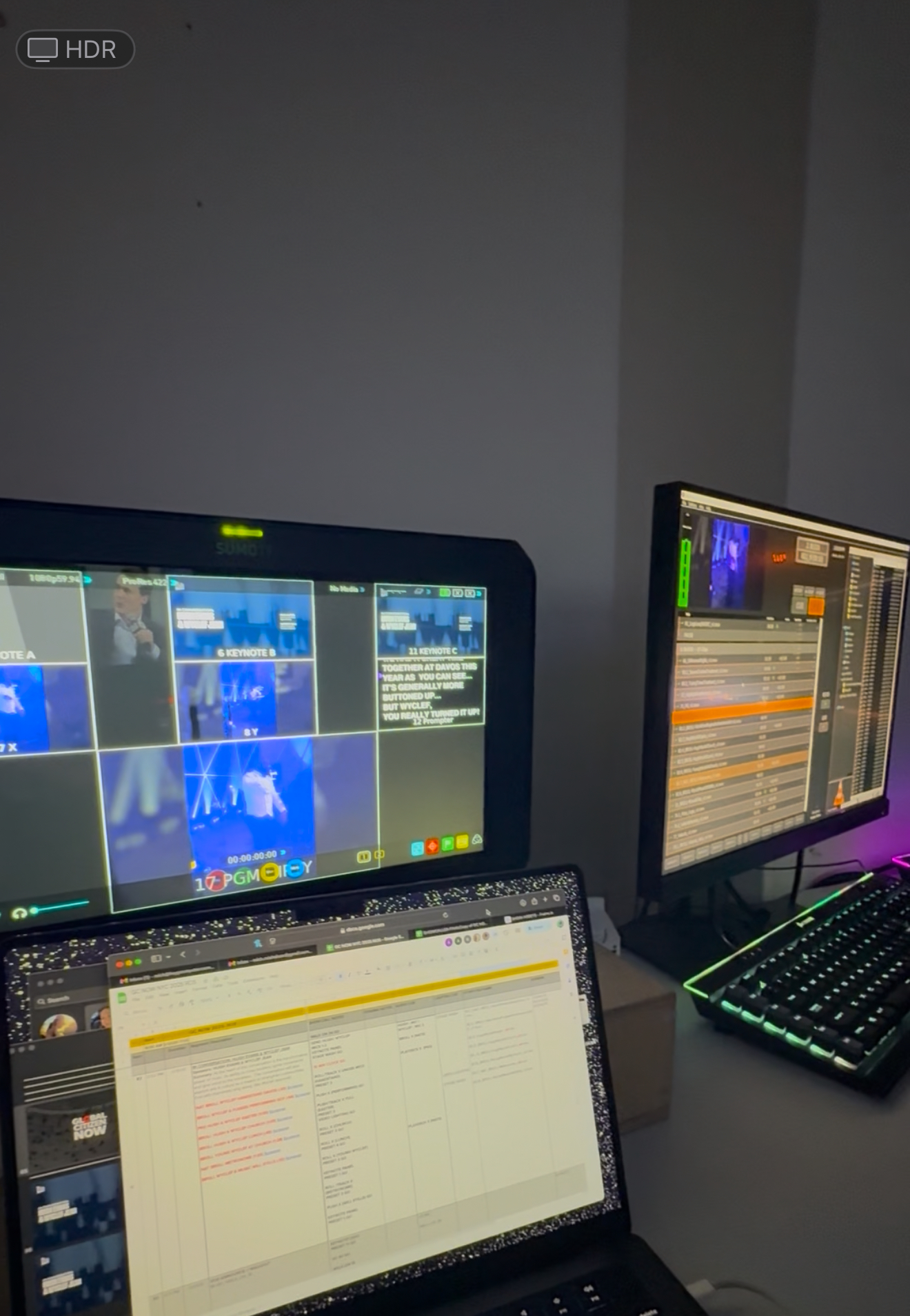
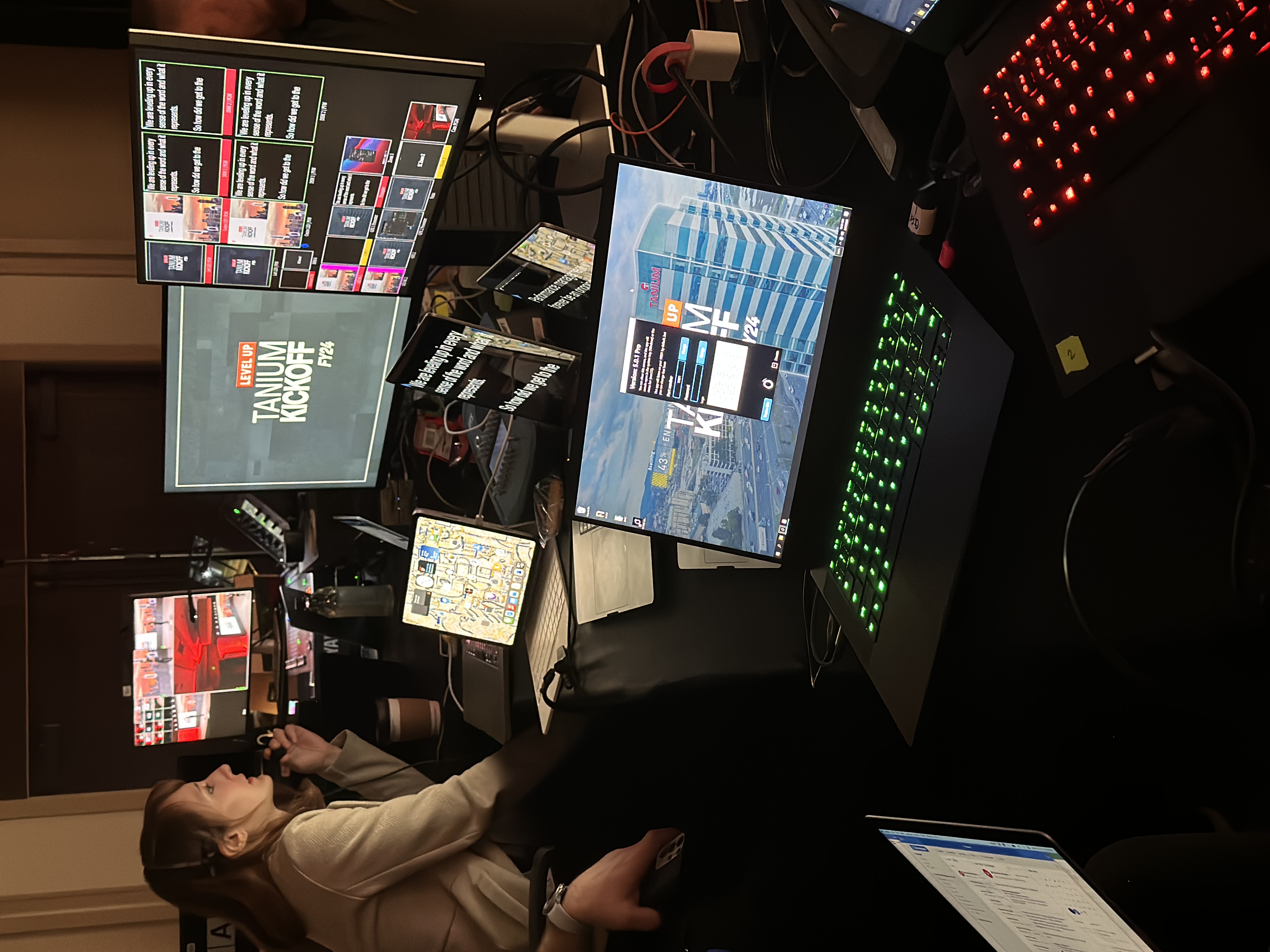
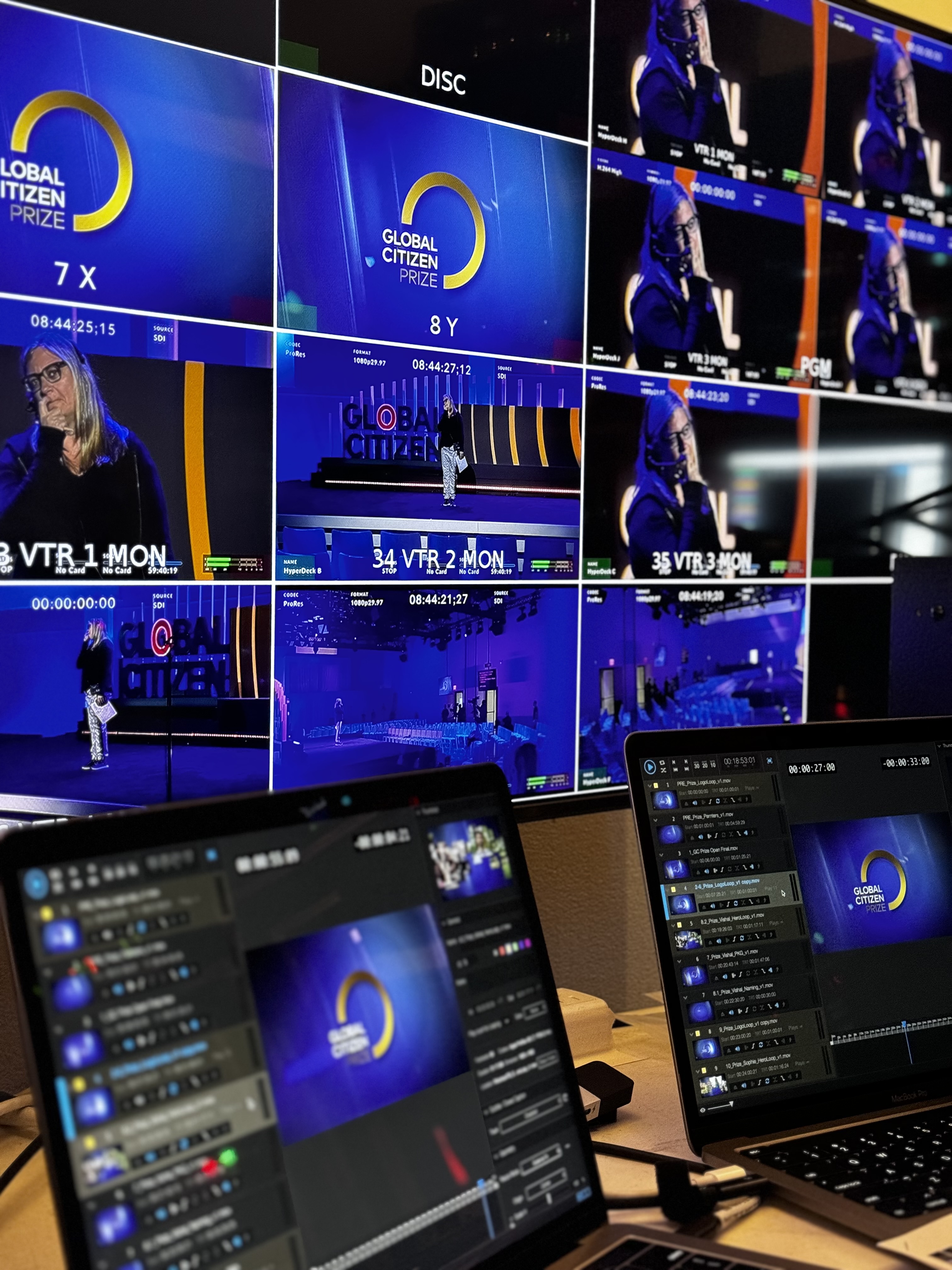
Any type of Production!
Use conversational eyelines for documentaries, interviews, and executive stories.
Rent
Select an interrotron configuration around your cameras, interviewer, and set.
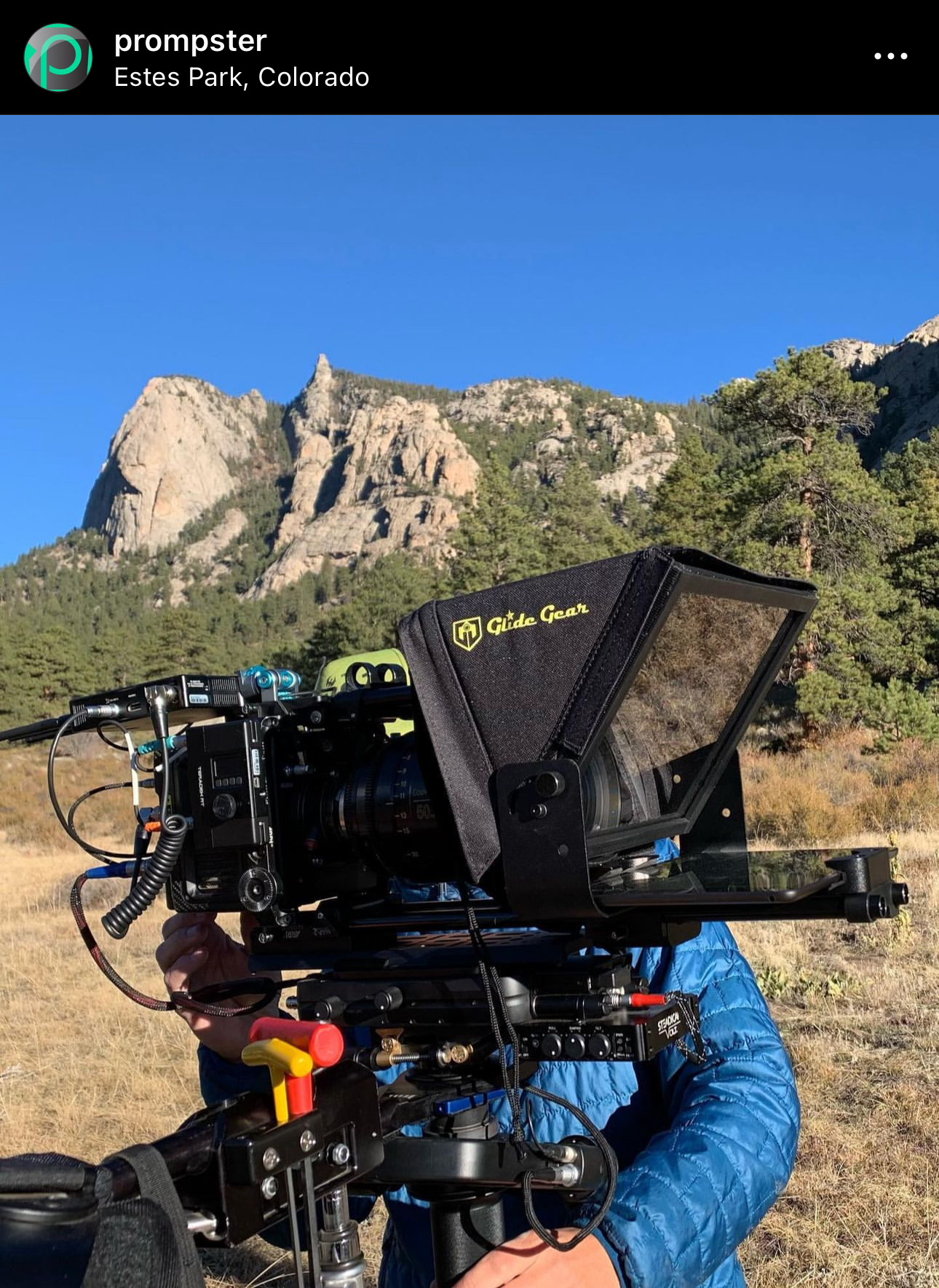
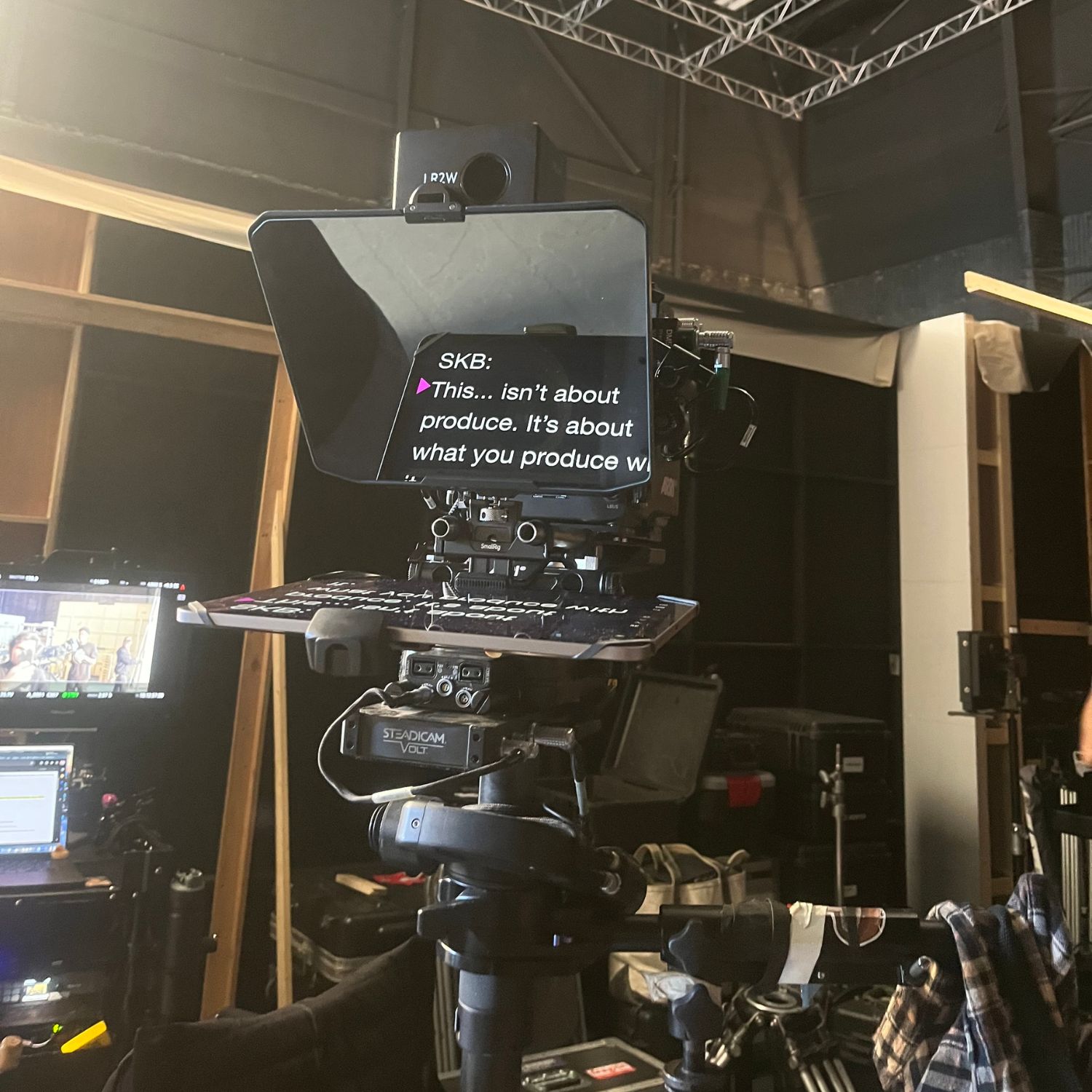
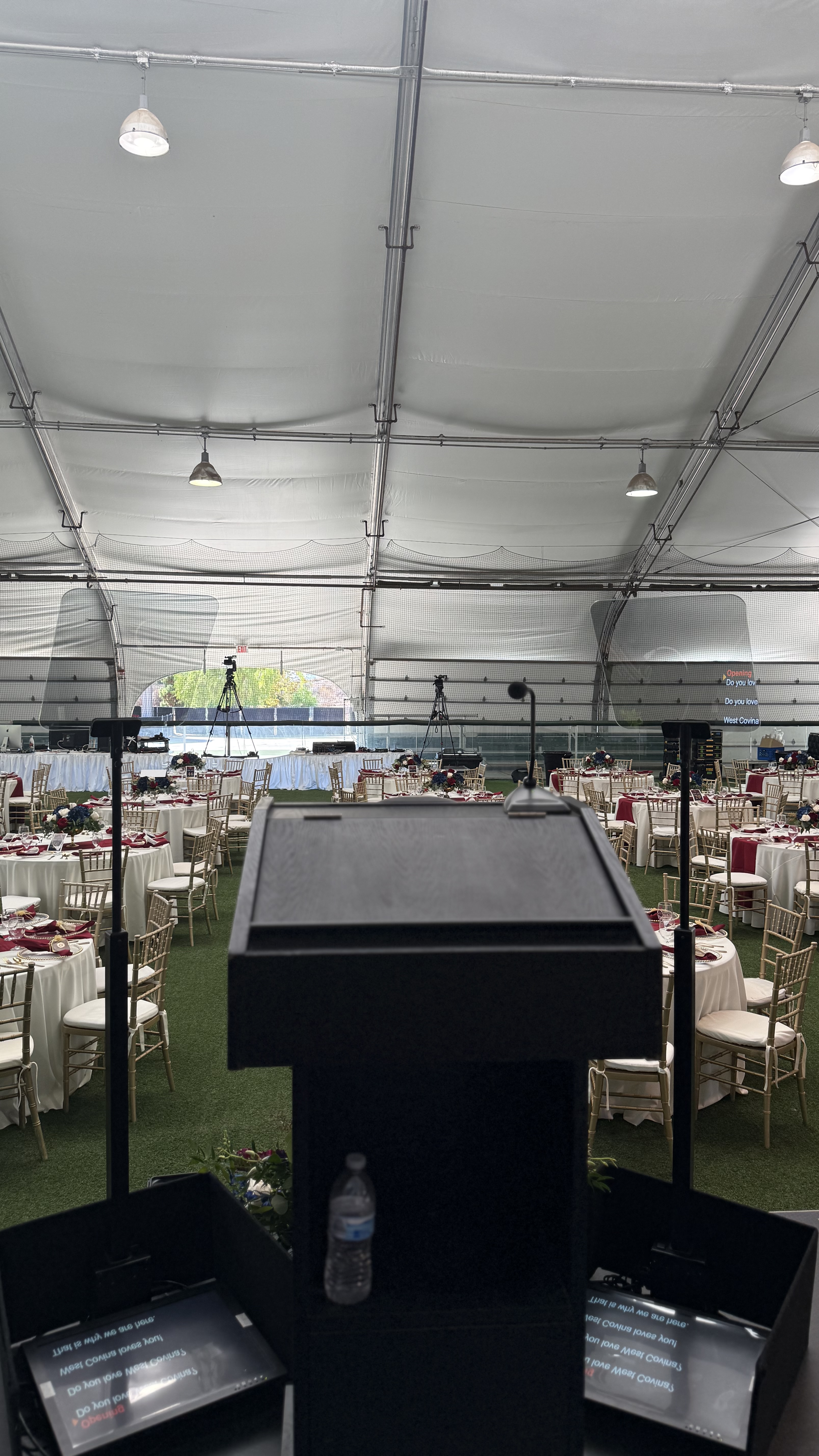
Keep scripts visible from the stage with a clean, low-profile monitor.

Read discreet prompts through wearable optics while staying mobile and engaged.
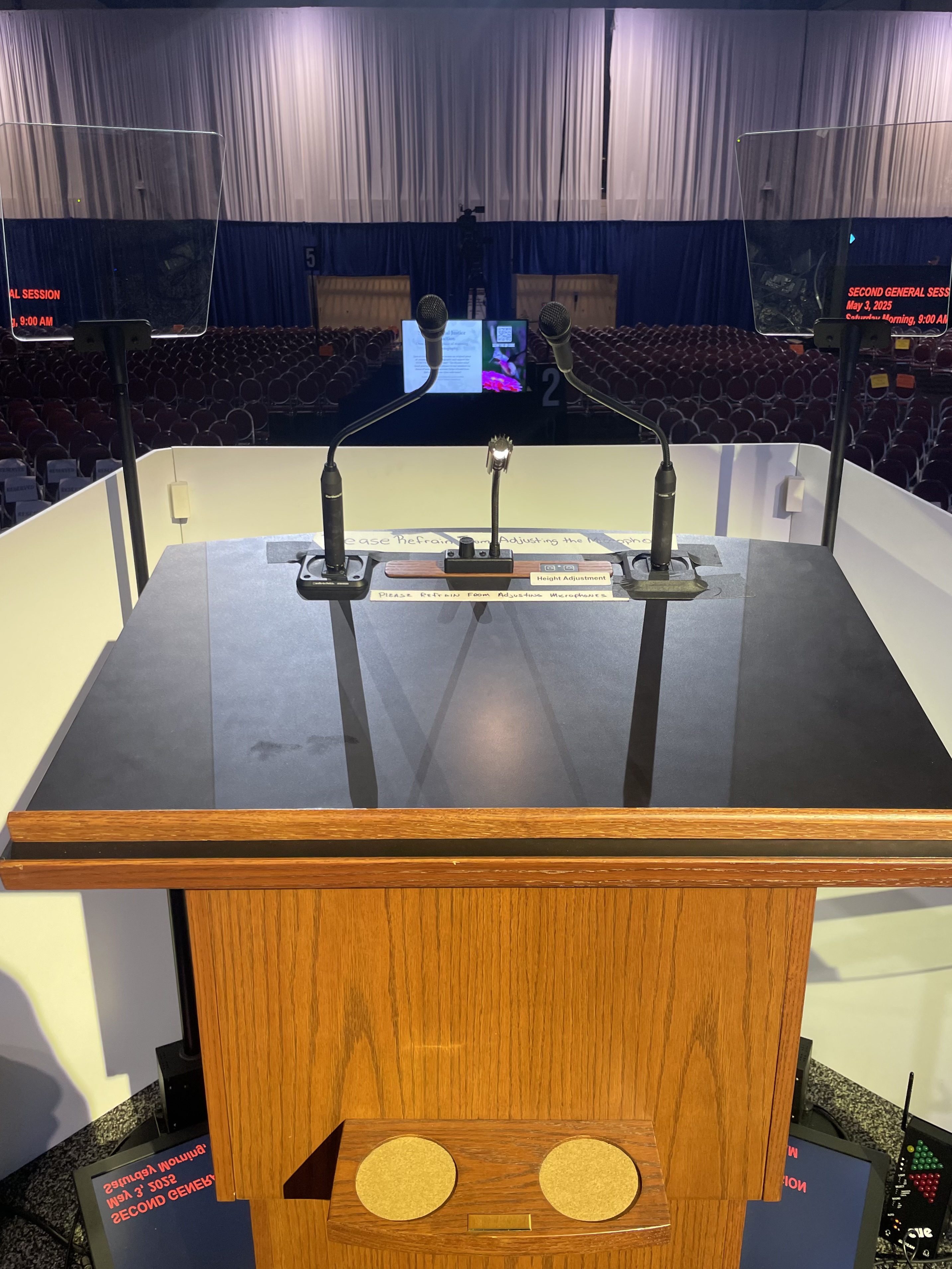

Teleprompter Kits
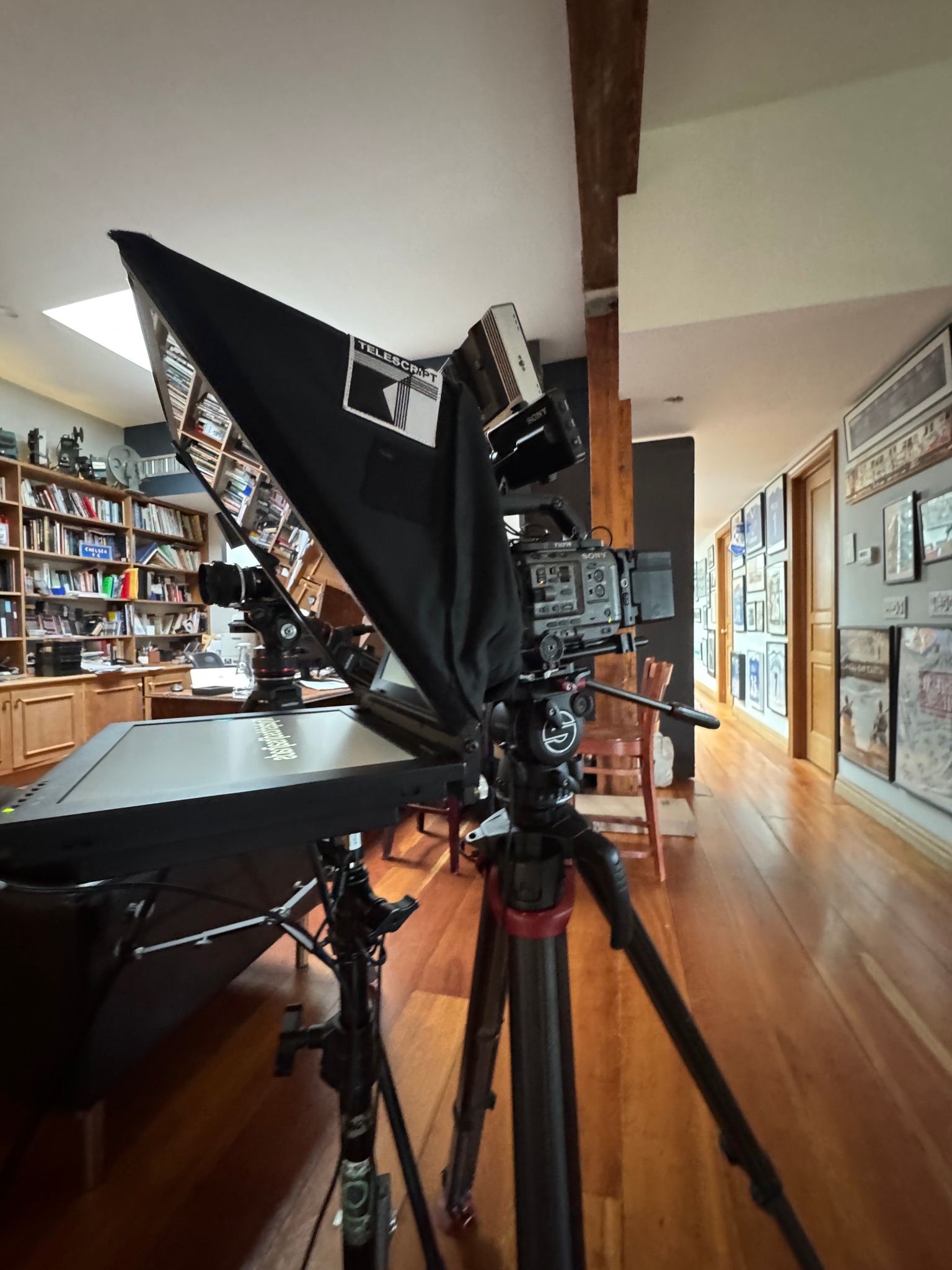
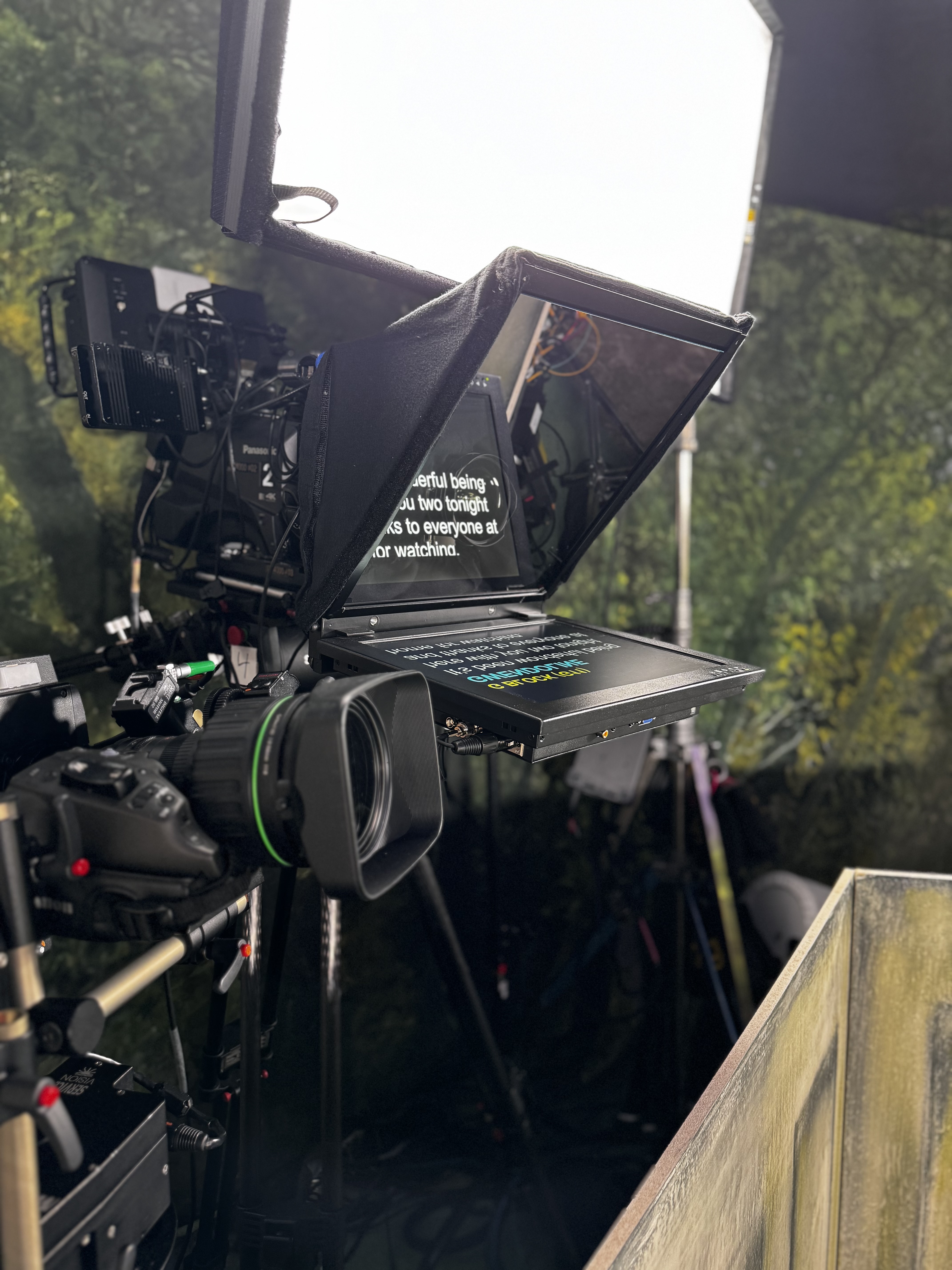
- 15/19/24 inch options
- Wireless options available
- Attach to camera or freestanding
- High-brite screens

Presidential Kits
- Robotic kits w/ hand controller
- Various height adjustments
- Indoor + outdoor kits available
- Political events + galas

Remote
- Unique links using VDO ninja
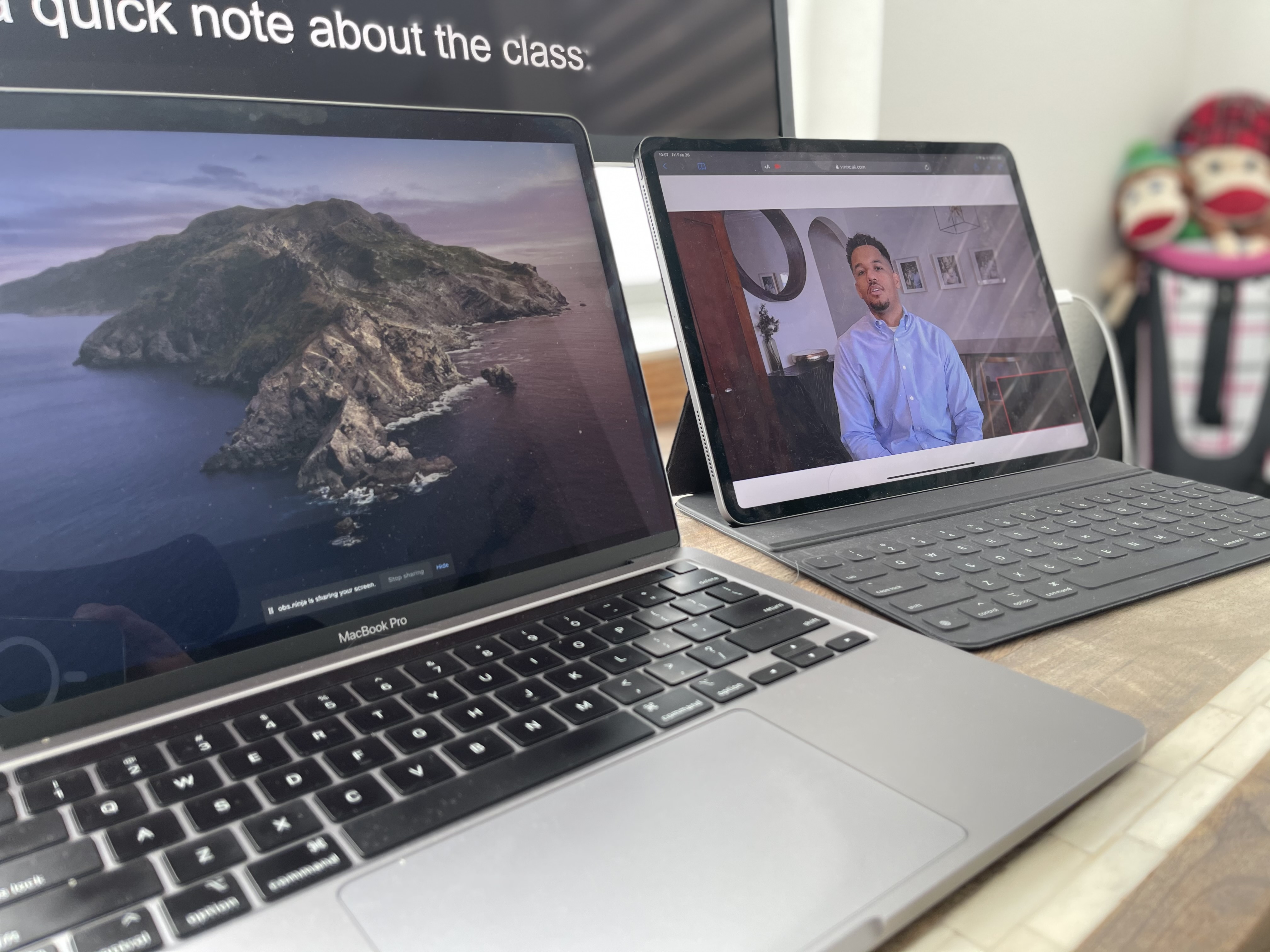
- Prompt right in Zoom using OBS
- Low latency solutions
- Cross-platform + easy setup


Teleprompter Operators
- Main / back up computers
- Fast Live edits / changes

Graphics Operators
- MacBook Pro based
- PowerPoint / keynote proficiency
- Live edits / changes to decks
- Team w/ Ruby + Citrine for design work

Content / Production Coordinators
- Pre-production meetings
- liaison between client and production
- Version control management


What's Available
- Downstage prompter wedges // made to order
- MDF / Wood options
- Built in power / inputs
- Customizable to needs
- Teleprompter Monitors
- Custom inputs / sizes


What's Included
- Staffing / budgets for video shoots + events
- Work with our partners to help put your shoot + event together

Our Preferred Partners


Name Surname
Position, Company name


.png)


on site
take a peek behind the curtain


FAQs
Get answers about cameras, eyelines, interviewer placement, and setup time.
An Interrotron uses beam-splitter glass to place a live image of the interviewer in front of the camera lens. The subject looks at the interviewer’s face while appearing to make direct eye contact with the viewer, creating a more personal on-camera connection.
A standard on-camera teleprompter reflects a written script for the presenter to read. An Interrotron reflects the interviewer’s live image instead, allowing the subject to respond conversationally while looking directly into the lens.
Interrotrons are well suited to documentaries, executive interviews, testimonials, branded storytelling, sensitive interviews, and other video productions where an authentic conversation and direct viewer connection are important.
The main purpose of an Interrotron is to support a natural interviewer-subject connection rather than conventional script reading. If prepared copy must also be delivered, Prompster can discuss whether a standard teleprompter, a combined workflow, or separate takes are more appropriate.
Share the camera and lens package, framing, subject-to-camera distance, interviewer location, audio plan, crew size, and shooting schedule. These details help determine placement and how the interviewer feed should integrate with the production.
Still have questions?
Share your interview format and camera plan to confirm the right configuration.


