

Downstage Monitor Teleprompter Rental Services
Support hosts and presenters across wider stages with script content displayed from strategically placed downstage monitors.


Give presenters a readable cue line across the room
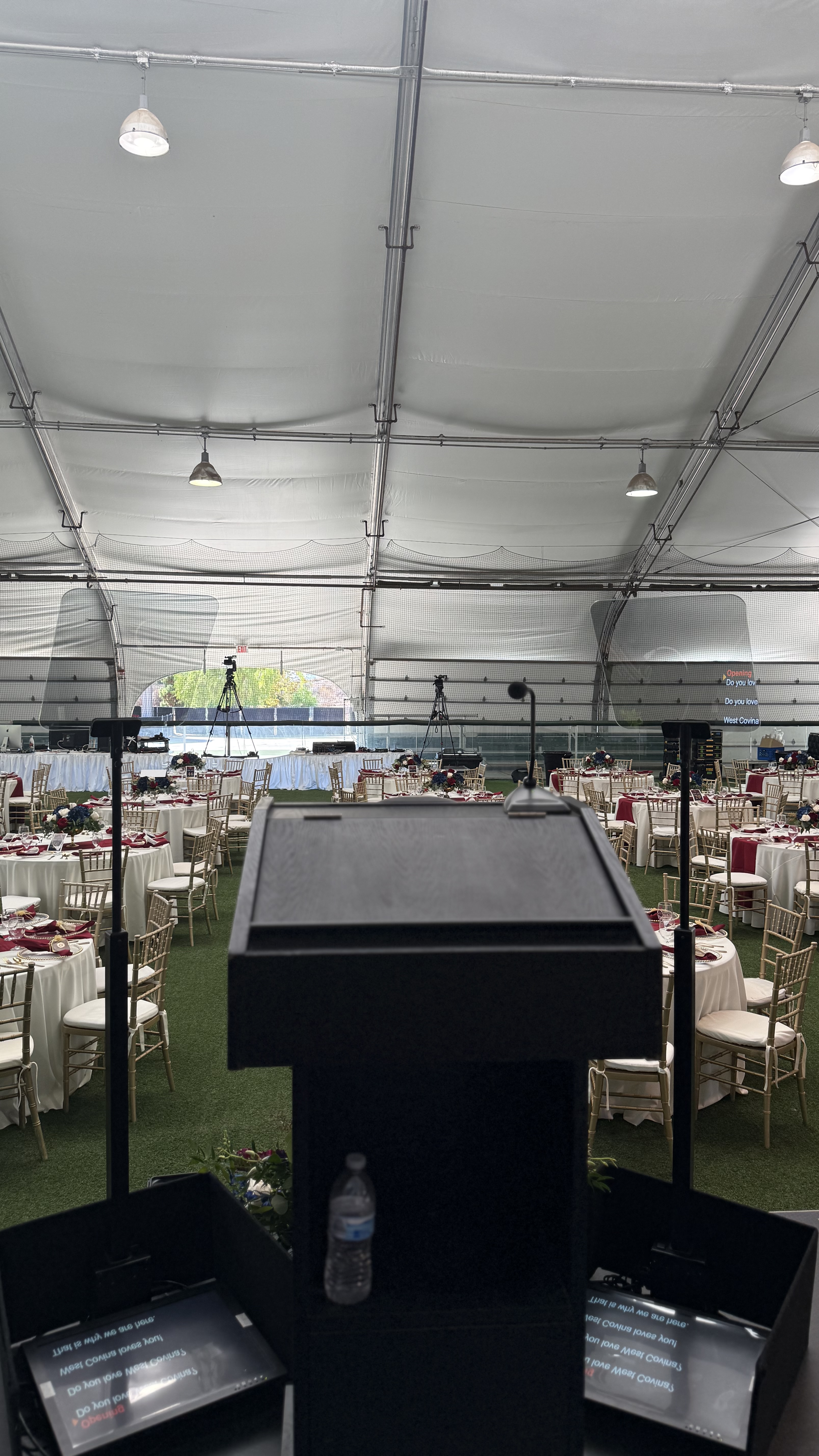
We plan monitor positions around blocking, sightlines, and stage design so speakers can move naturally while staying on copy.
- Flexible presenter sightlines
- Useful for multi-speaker programs


tell us what you’re planning
why use a downstage monitor teleprompter for live presentations
Downstage monitor teleprompters are designed for speakers who want the flexibility to move naturally across the stage while still having access to their script. Because the monitor sits at the front of the stage rather than directly beside the speaker, presenters can maintain a natural stage presence while glancing down occasionally for cues.
This teleprompter solution is especially useful for award hosts, panel moderators, corporate presenters, and keynote speakers who may not be standing in one fixed position. It allows them to stay organized and confident without breaking the flow of their presentation.
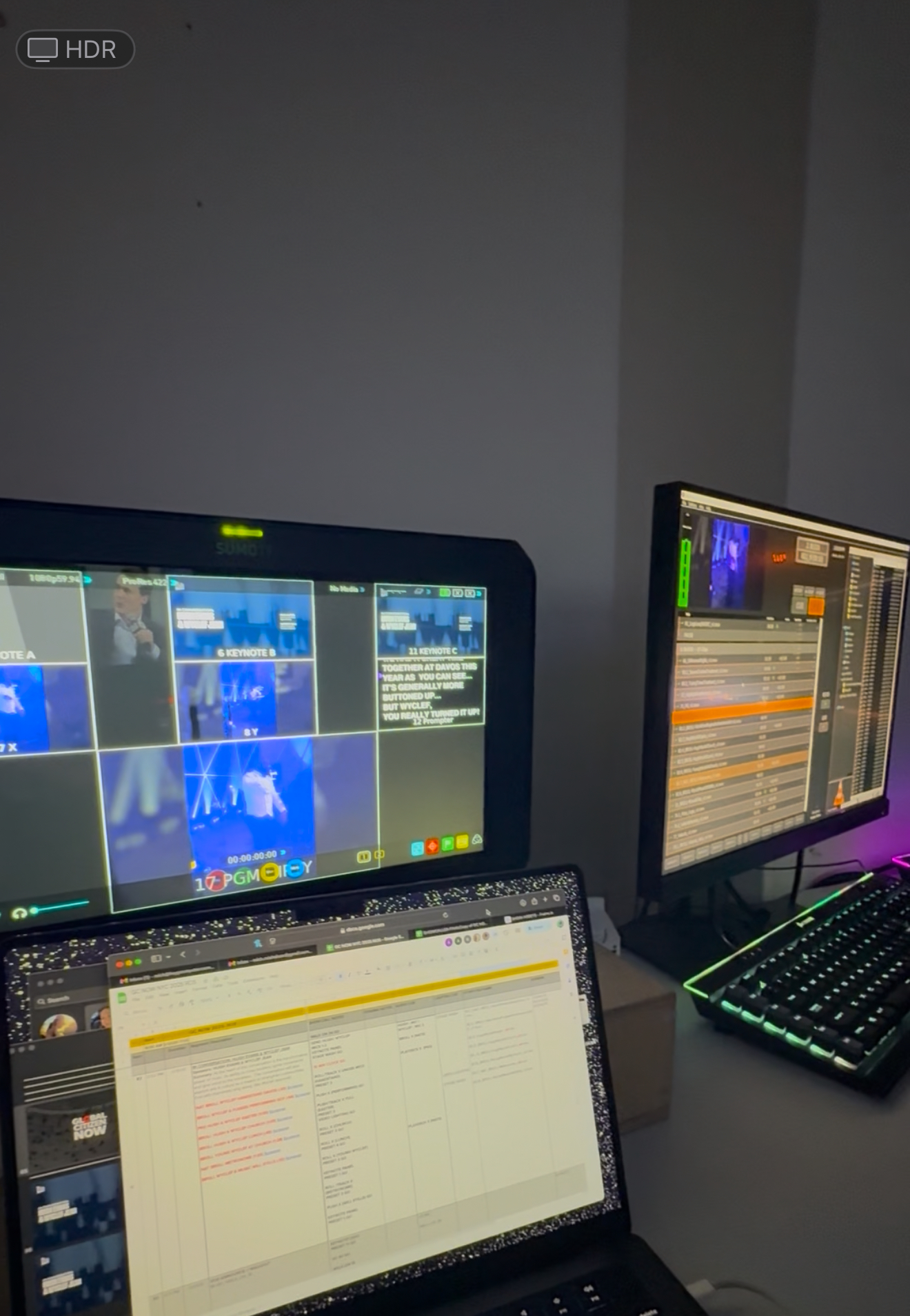
With Prompster’s professional teleprompter operators managing the script in real time, downstage monitors help ensure speakers stay on track while delivering a smooth and engaging presentation.
flexible teleprompter solution for speakers who move on stage
Downstage monitor teleprompters allow presenters to walk naturally across the stage while still having easy access to their script or presentation cues.
ideal for award shows, conferences, and live productions
This teleprompter setup is commonly used for award ceremonies, corporate conferences, and live events where speakers need a discreet way to stay on script while maintaining strong audience engagement.
Hire
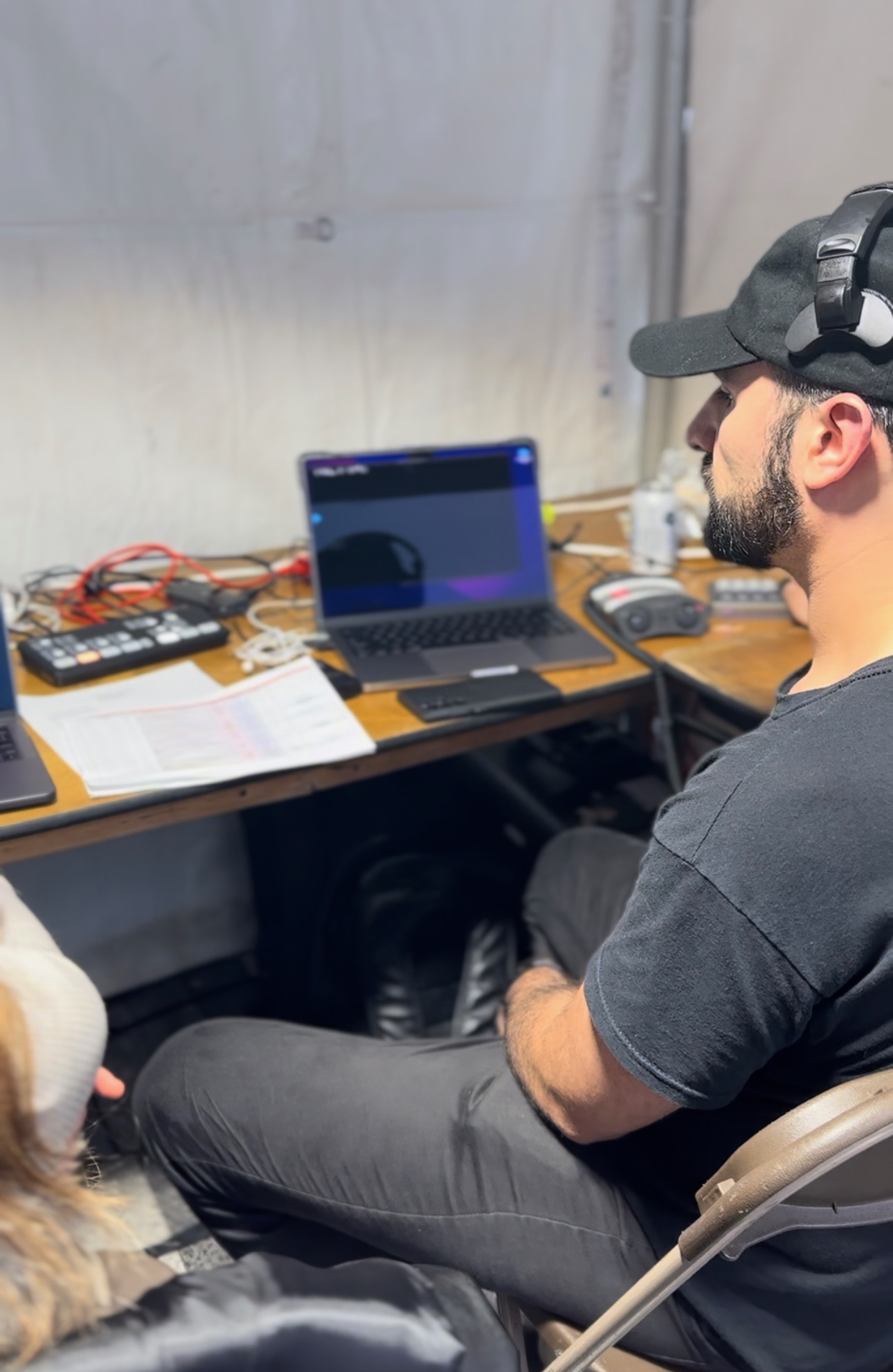
Add operators who can manage pacing and updates throughout a live program.
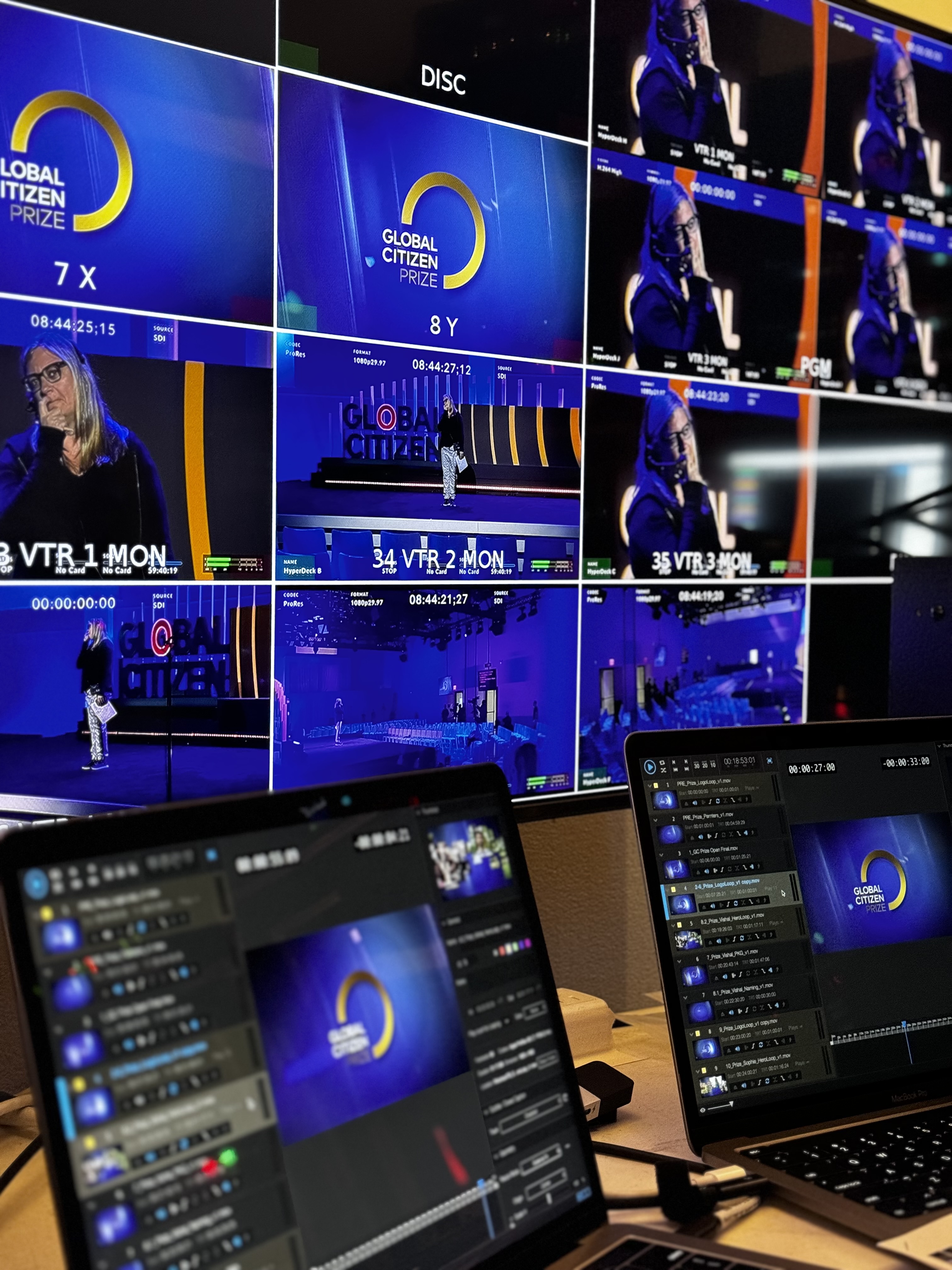
Any type of Production!
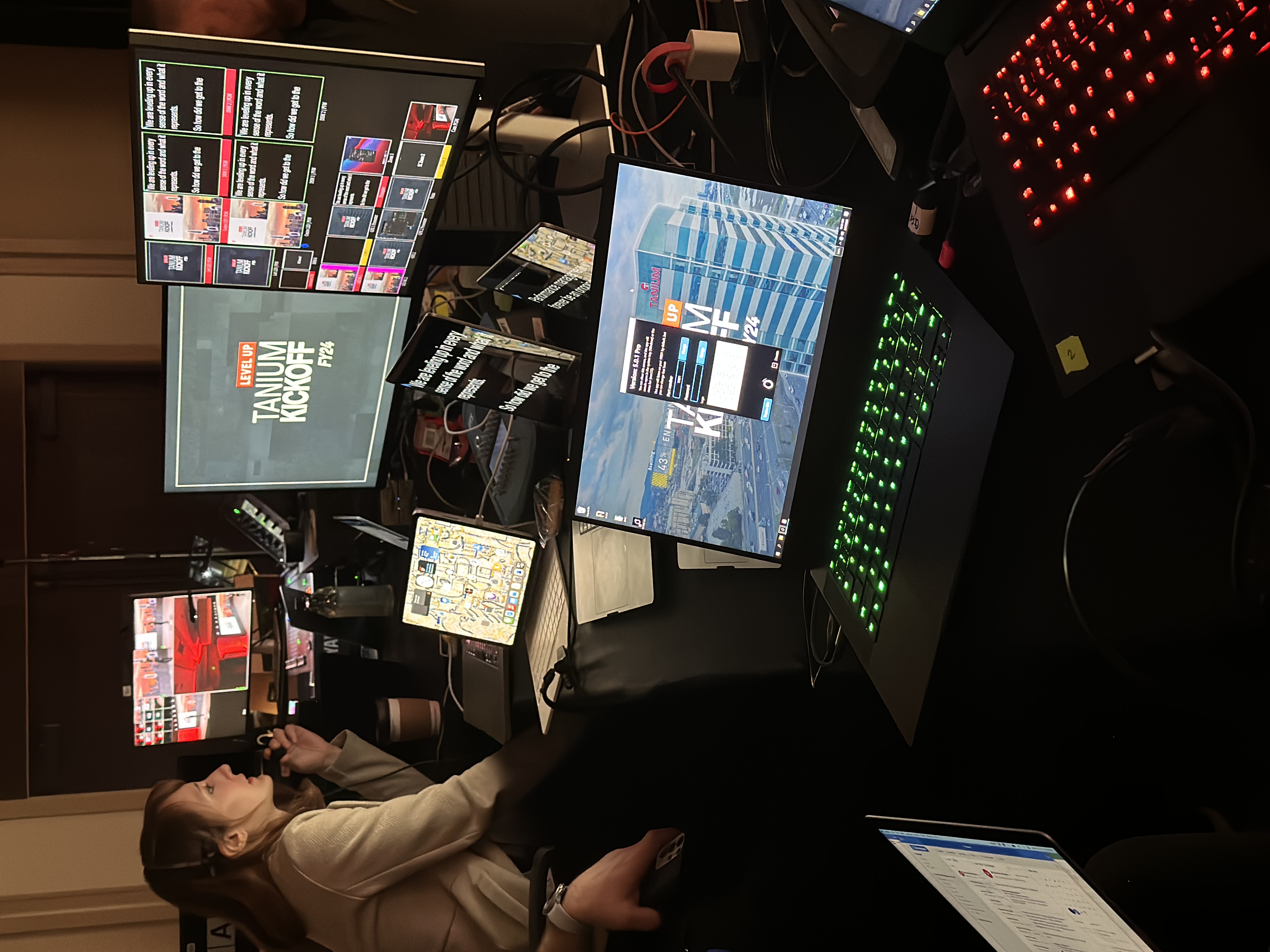
Integrate downstage displays with stage management, video, and presentation systems.
Rent
Compare downstage monitor sizes and placements for your stage configuration.
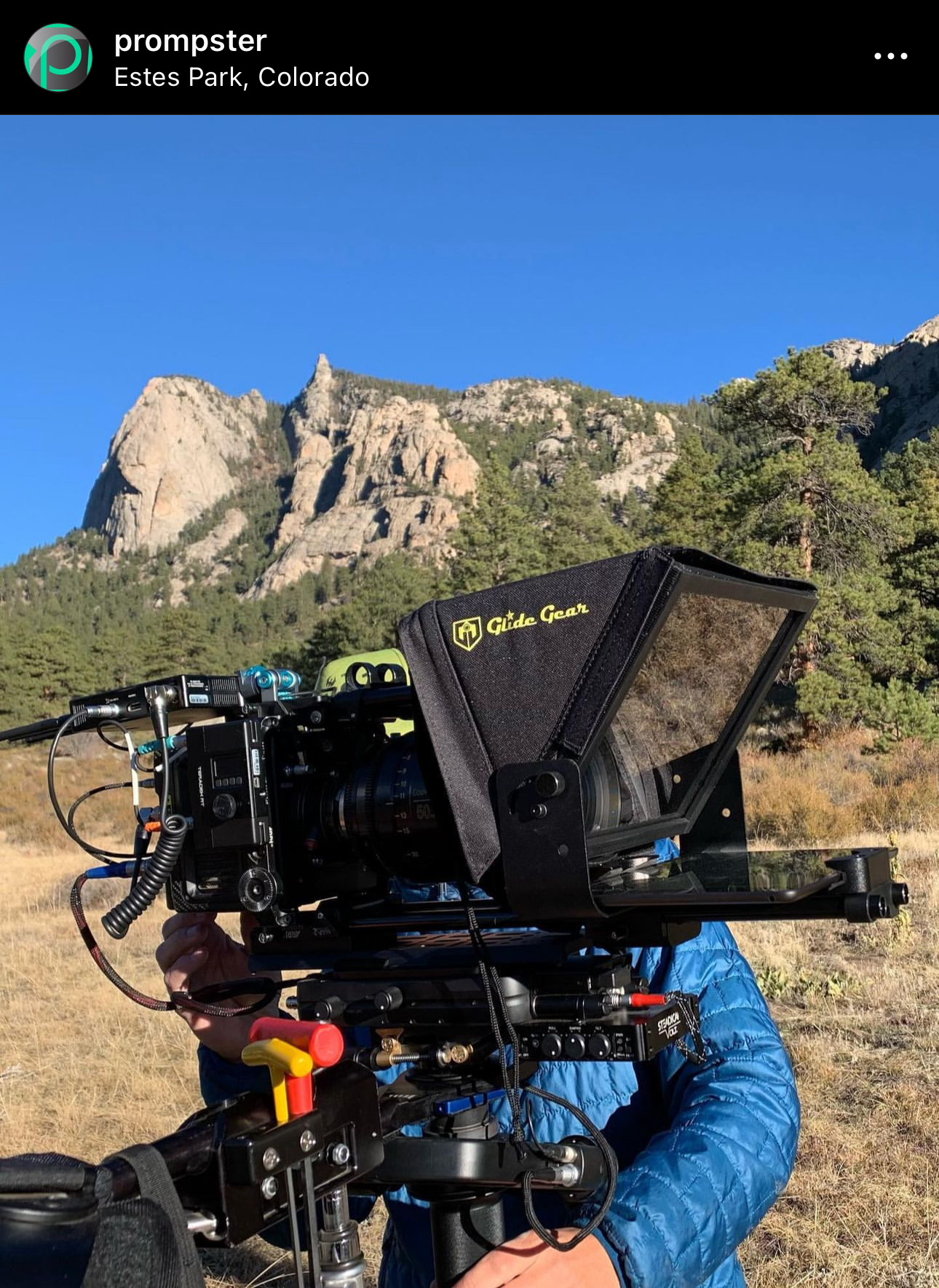
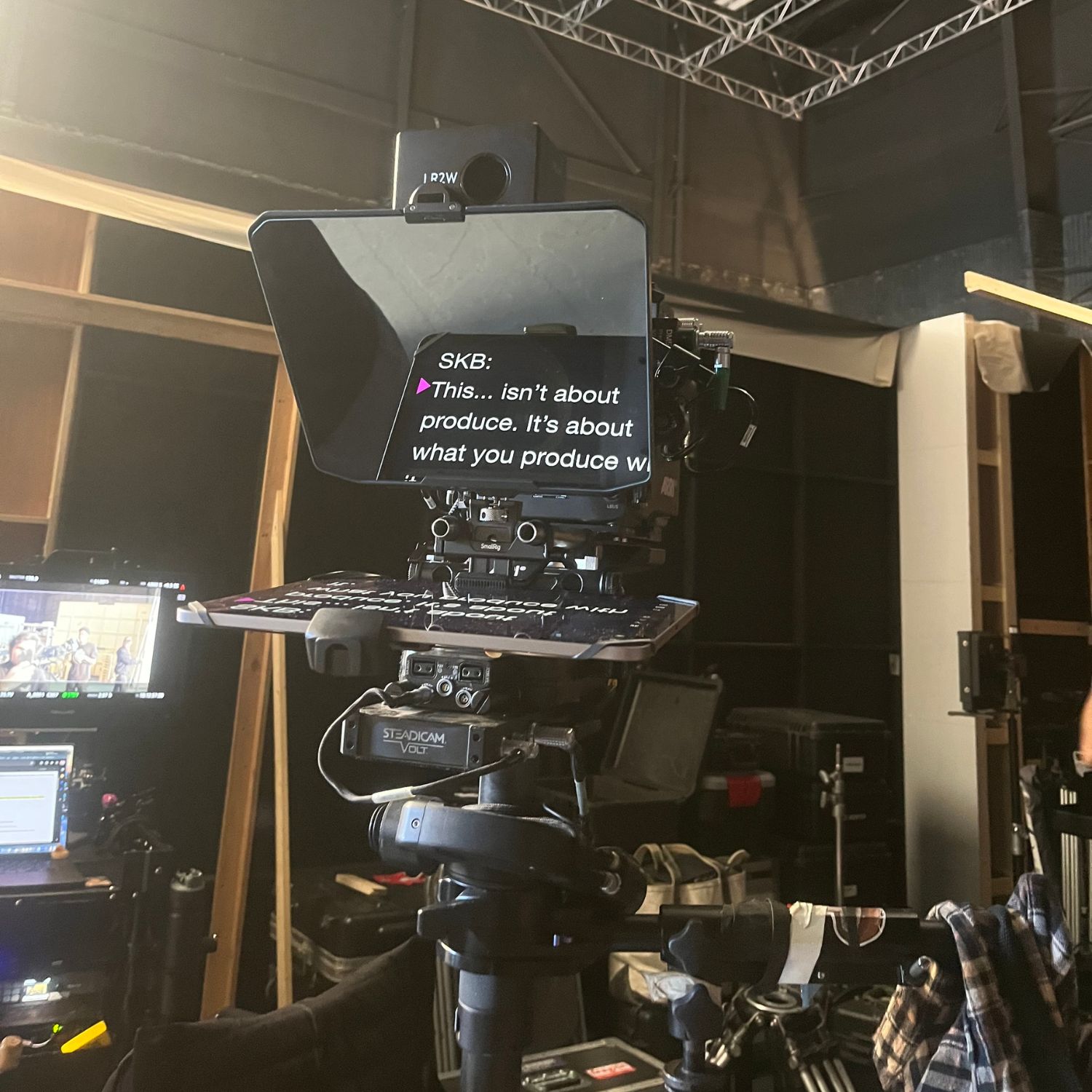
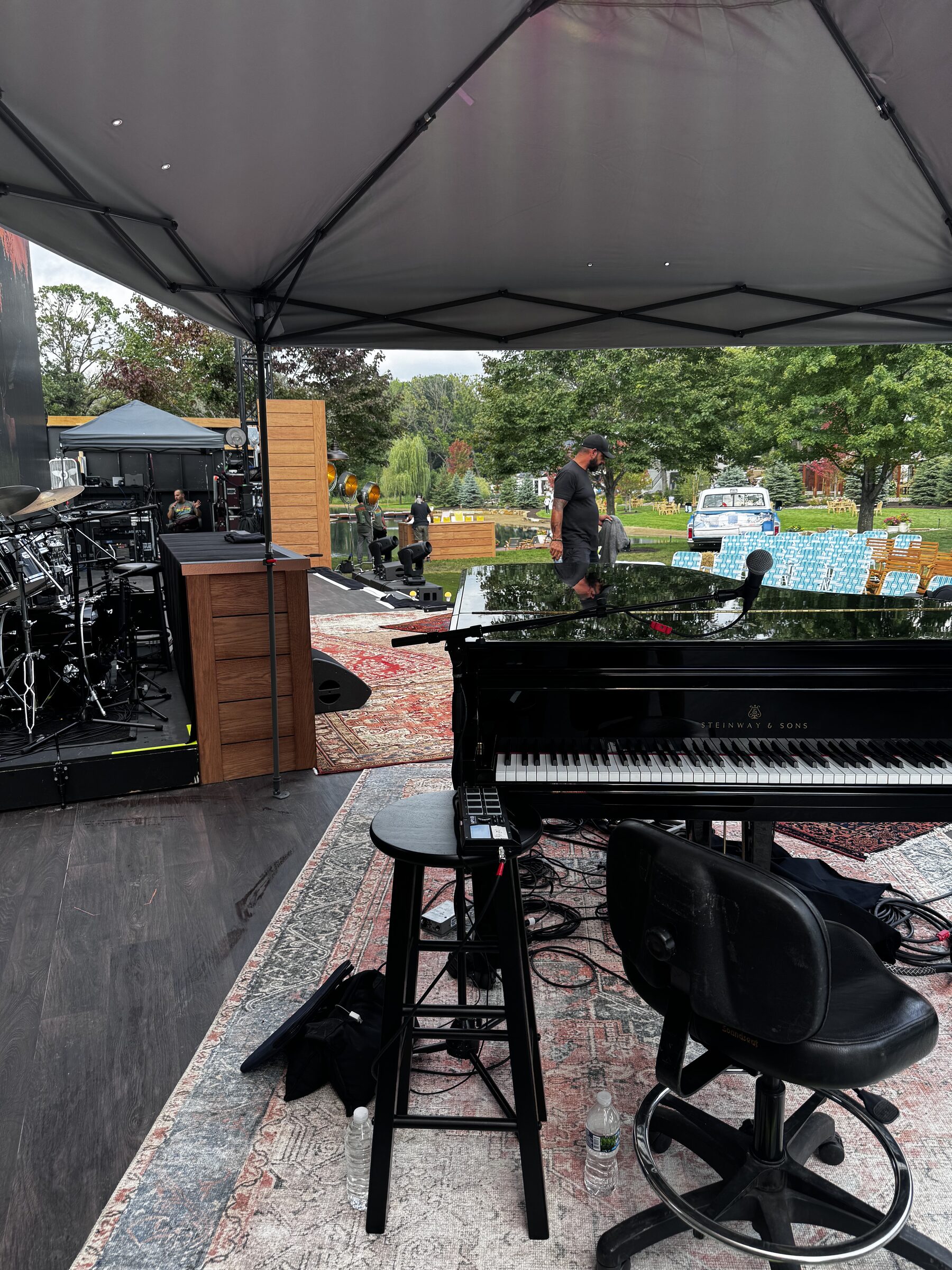
Keep scripts visible from the stage with a clean, low-profile monitor.
.jpg)

Read discreet prompts through wearable optics while staying mobile and engaged.

Teleprompter Kits
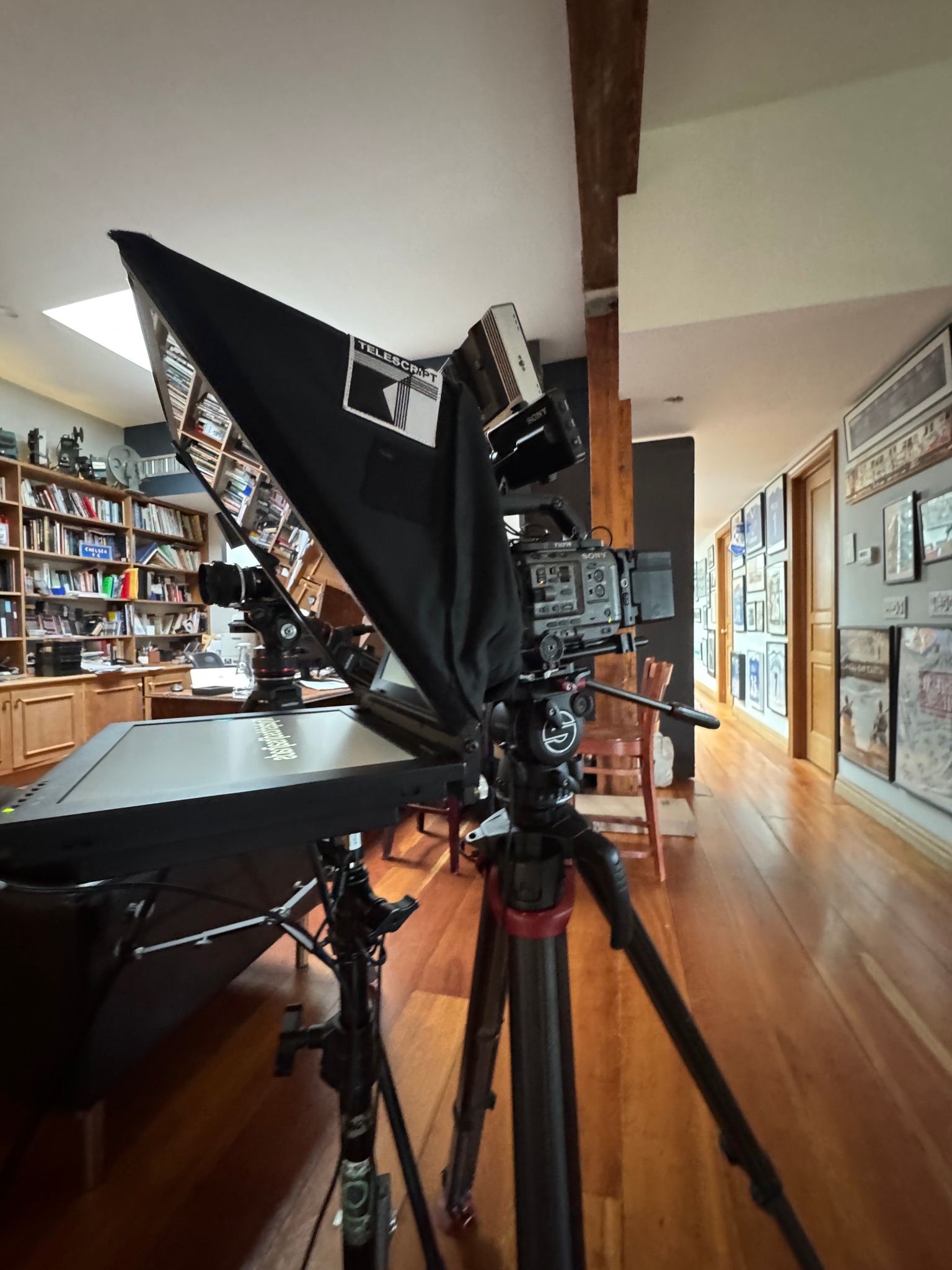
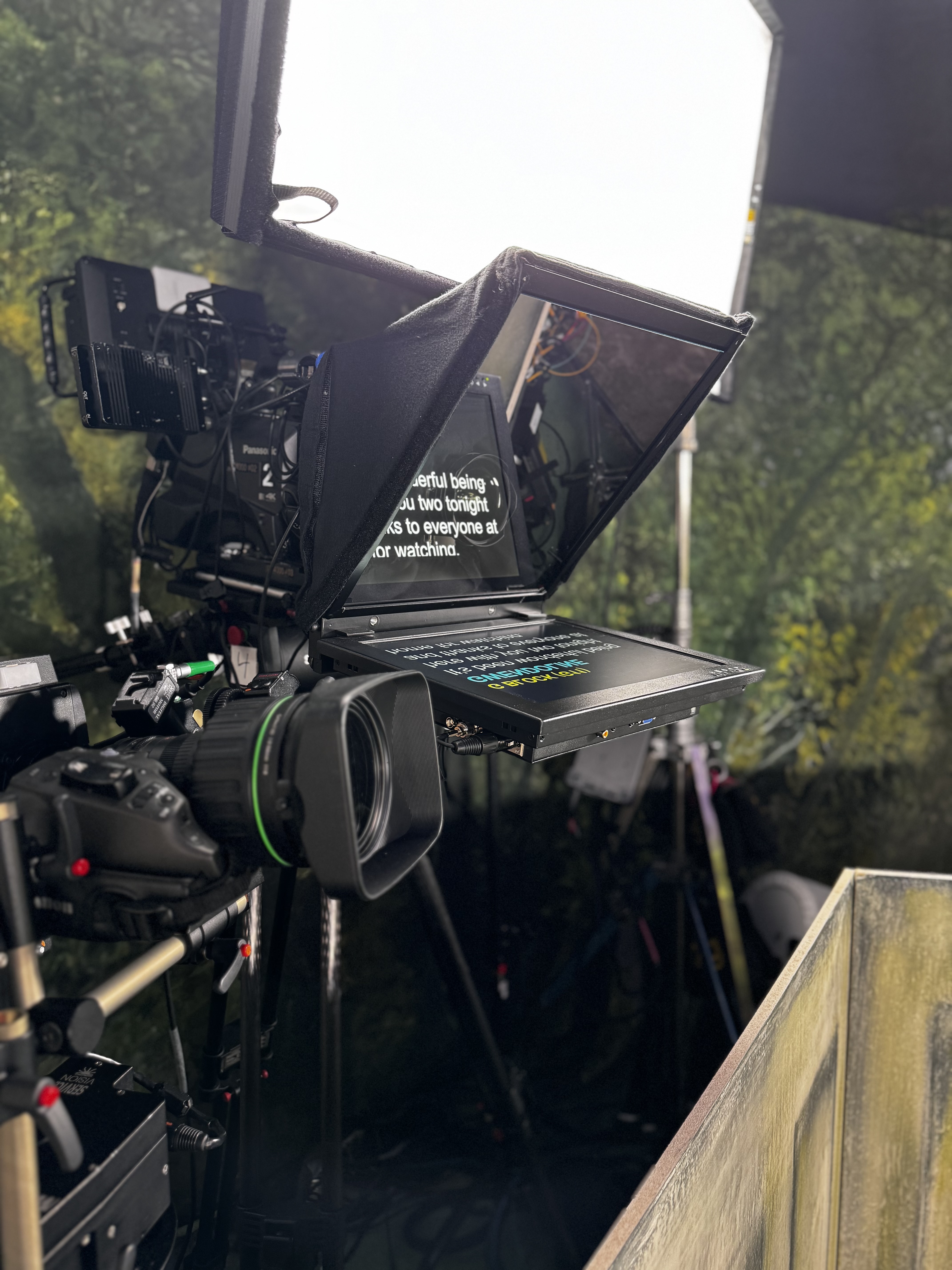
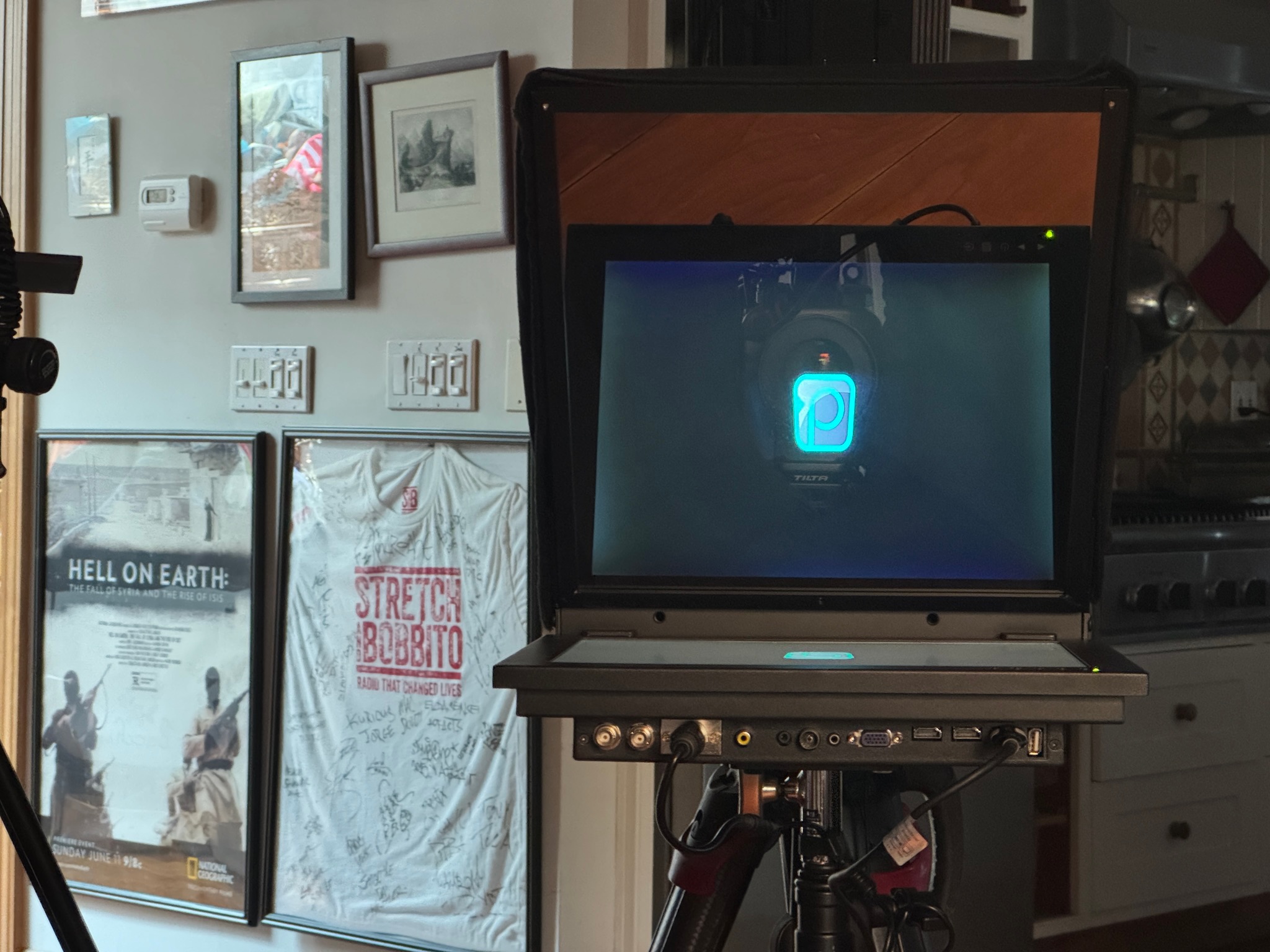
- 15/19/24 inch options
- Wireless options available
- Attach to camera or freestanding
- High-brite screens

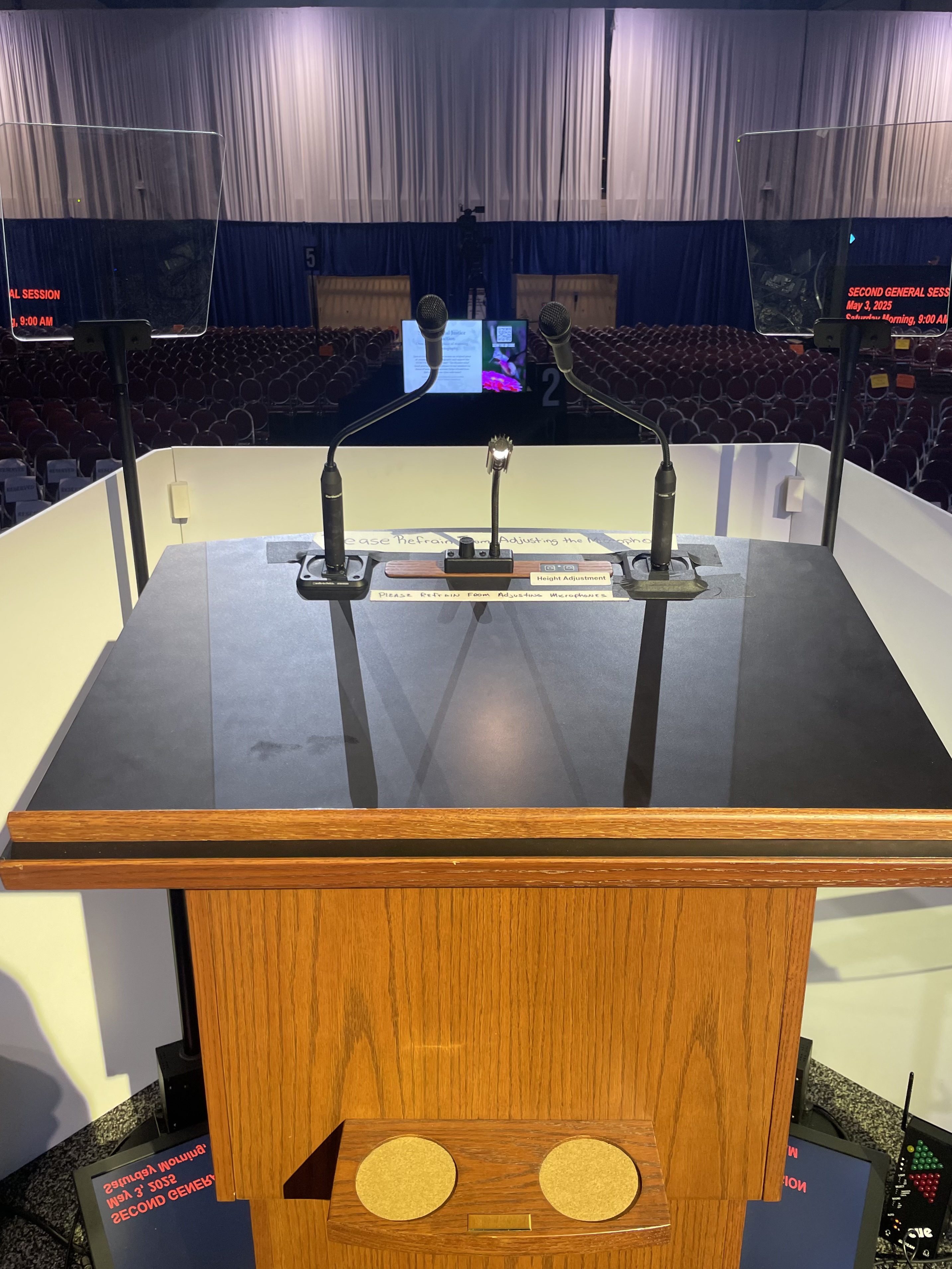
Presidential Kits
- Robotic kits w/ hand controller
- Various height adjustments
- Indoor + outdoor kits available
- Political events + galas

Remote
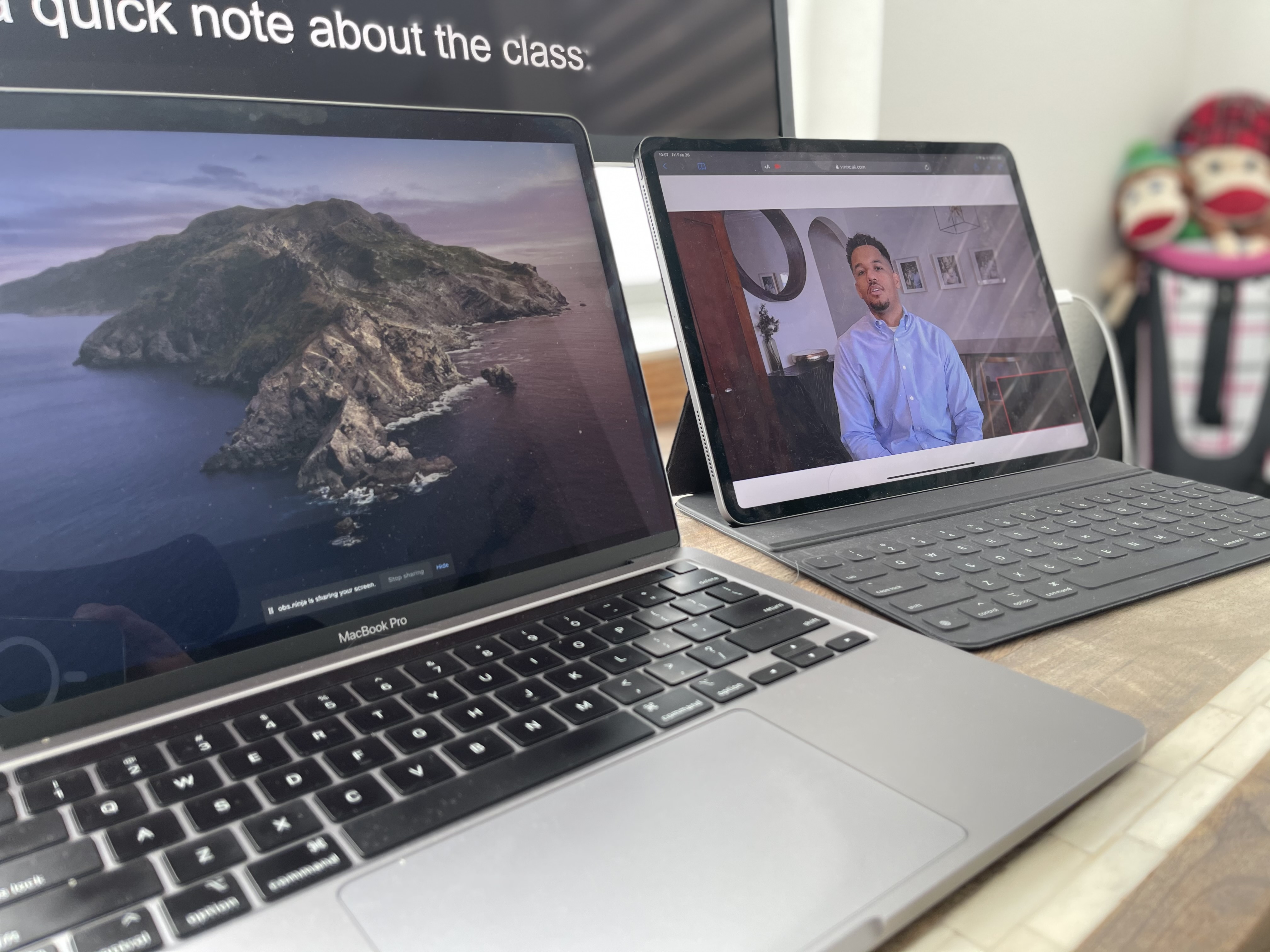
- Unique links using VDO ninja
- Prompt right in Zoom using OBS
- Low latency solutions
- Cross-platform + easy setup


Teleprompter Operators
- Main / back up computers
- Fast Live edits / changes

Graphics Operators
- MacBook Pro based
- PowerPoint / keynote proficiency
- Live edits / changes to decks
- Team w/ Ruby + Citrine for design work

Content / Production Coordinators
- Pre-production meetings
- liaison between client and production
- Version control management


What's Available
- Downstage prompter wedges // made to order
- MDF / Wood options
- Built in power / inputs
- Customizable to needs
- Teleprompter Monitors
- Custom inputs / sizes


What's Included
- Staffing / budgets for video shoots + events
- Work with our partners to help put your shoot + event together

Our Preferred Partners


Name Surname
Position, Company name


.png)


on site
take a peek behind the curtain


FAQs
Review questions about sightlines, monitor placement, feeds, and operator support.
Downstage monitors sit near the front edge of the stage and display scripts, notes, or cues toward the presenter. Speakers can glance toward the displays while remaining oriented toward the audience, making the setup useful for presentations with movement or several stage positions.
Downstage monitors show content on floor-level screens, while presidential teleprompters reflect text on transparent glass panels positioned near the speaker’s sightline. The better option depends on stage movement, viewing distance, audience angles, and the desired visual footprint.
Yes, when the monitors are placed to cover the planned speaking positions. Wider stages may require more than one display or carefully coordinated sightlines so presenters can move naturally without losing access to their script.
The quantity depends on stage width, speaker movement, viewing distance, seating layout, and whether different positions need the same or separate content. Prompster reviews the stage plot and presenter plan before recommending monitor placement.
Downstage monitors are commonly used for conferences, award shows, keynote programs, corporate meetings, galas, and live broadcasts. They work well when speakers need discreet access to scripts while addressing a large room.
Still have questions?
Send your stage plot and viewing distance to select the right monitor setup.


