

Rent Teleprompters and Hire Production Team for Conferences
Keep a packed agenda moving across keynotes, panels, and executive sessions. Prompster coordinates prompting around speakers, stages, and schedule changes.


Give every speaker a confident start
We organize scripts and cues across the day, helping production teams manage transitions without slowing the program.
- Support for multiple speakers
- Fast updates between sessions


tell us what you’re planning
why conferences benefit from professional teleprompter services
Conferences often involve important messaging that must be delivered clearly to large audiences. Teleprompters help speakers maintain confidence by allowing them to read prepared scripts while keeping natural eye contact with attendees.
Professional teleprompter services also support the timing and structure of conference programs. With teleprompter operators managing script pacing and coordinating with production teams, speakers can stay aligned with the event schedule while delivering their presentations smoothly.
Prompster’s teleprompter equipment and experienced production professionals help conferences run efficiently, supporting speakers and event teams throughout the entire program.
support keynote speakers and conference presenters
Teleprompters help keynote speakers and presenters deliver prepared messages clearly while maintaining natural engagement with conference audiences.
keep conference programs organized and on schedule
Prompster’s teleprompter operators work alongside event planners and production crews to manage scripts and cues, helping conference presentations run smoothly.

Hire
Build a dependable crew for multiple speakers, sessions, and changing agendas.
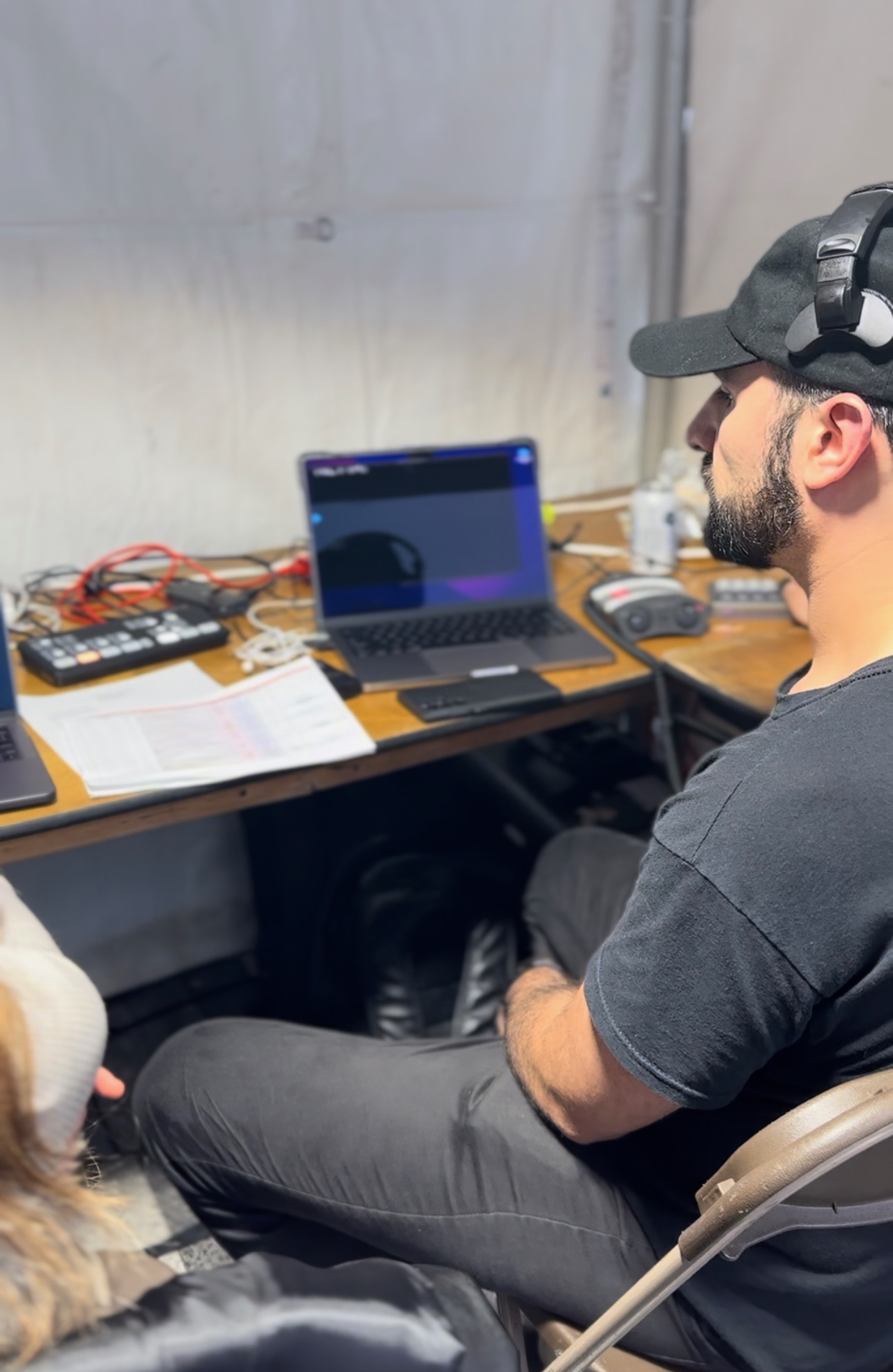
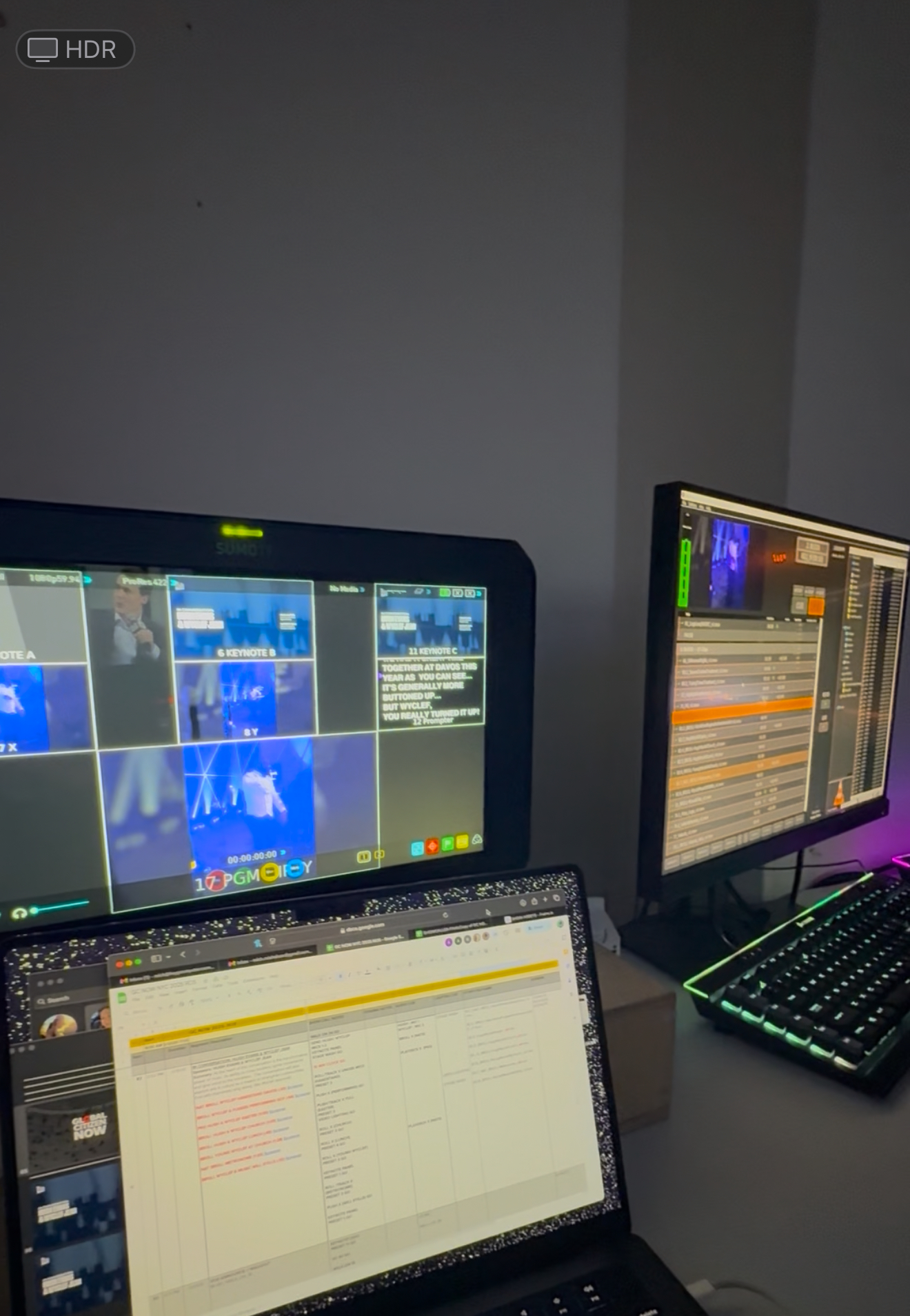
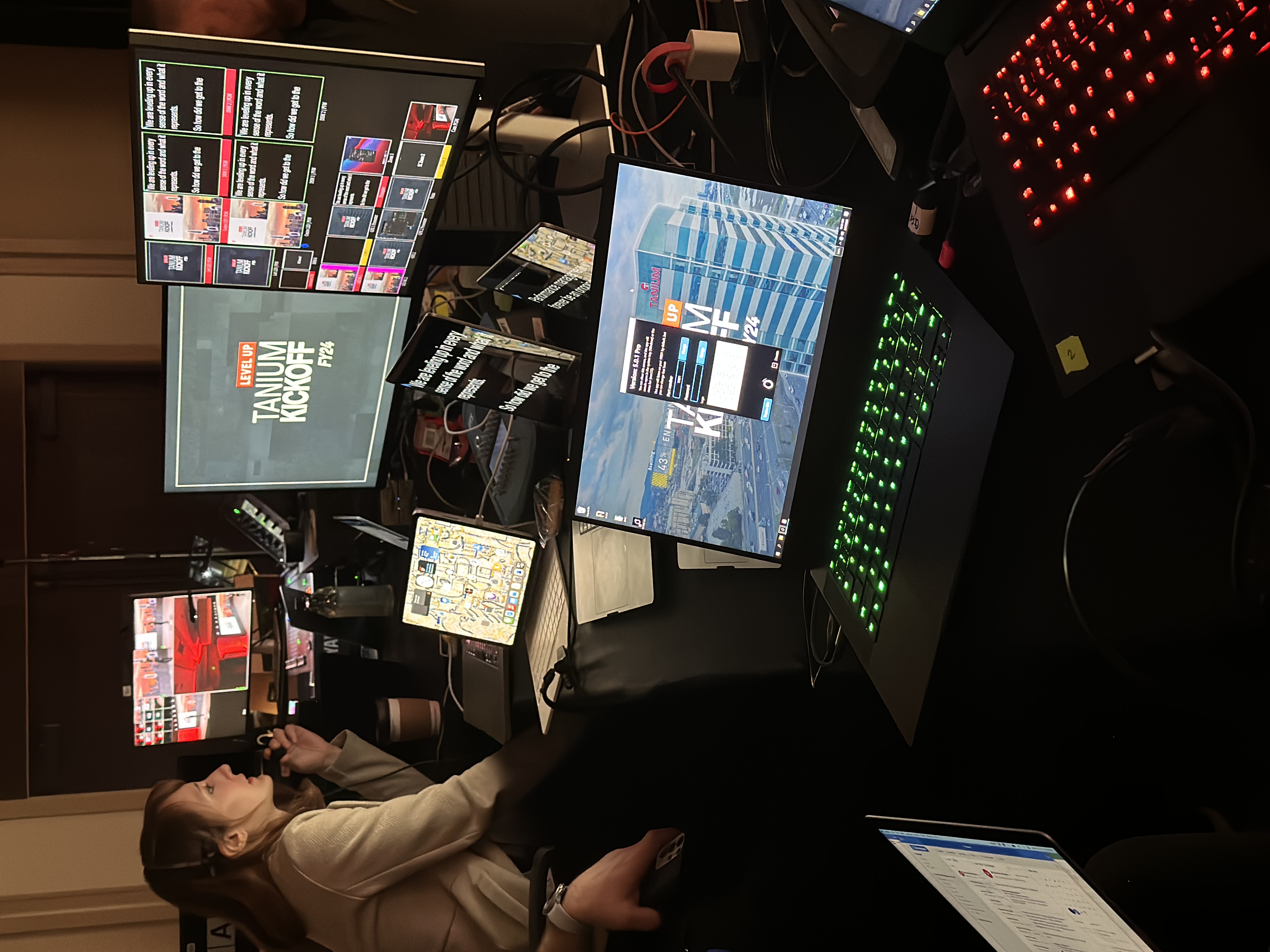
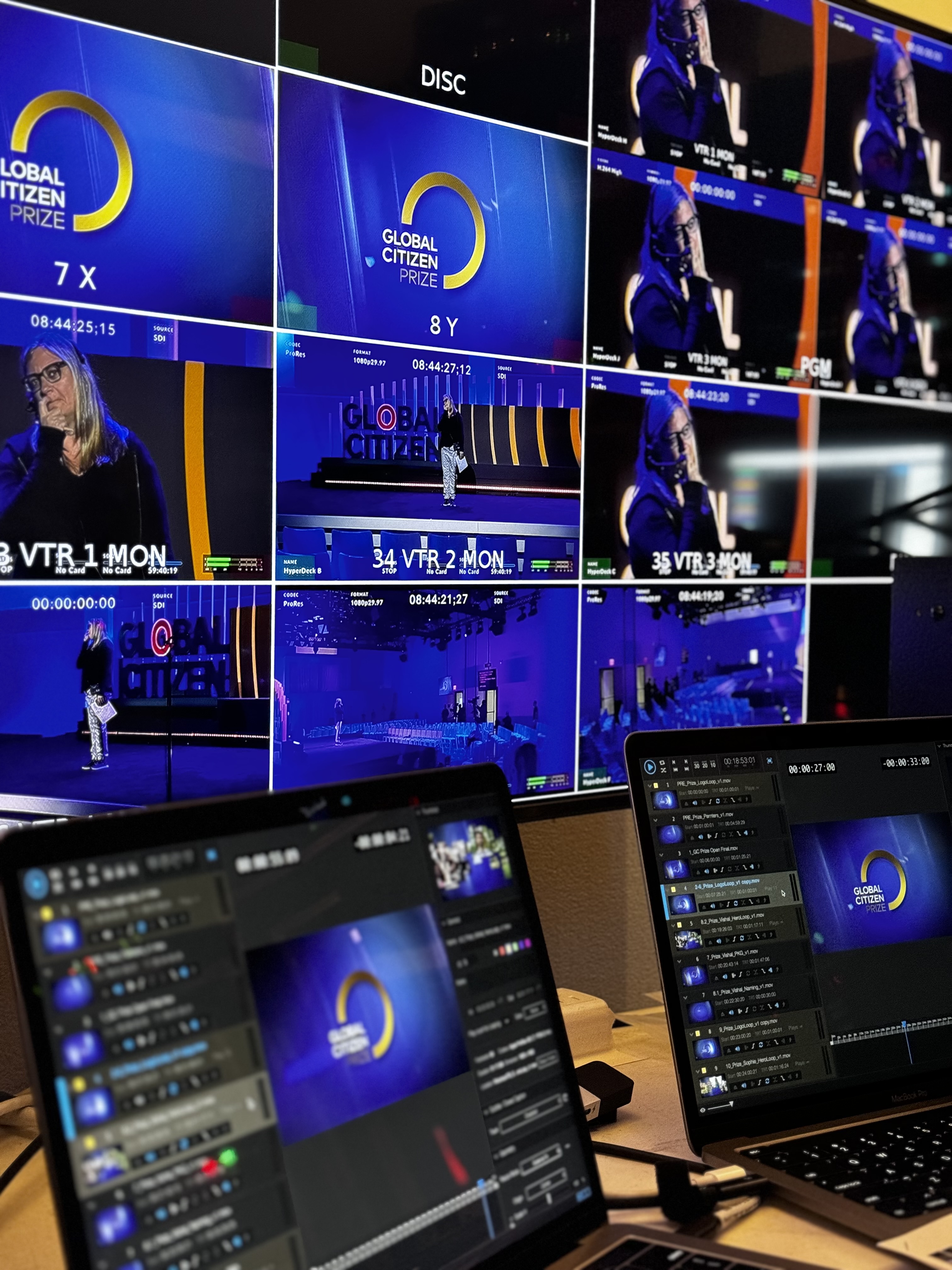
Any type of Production!
Coordinate scripts, cues, and presentation support across the conference schedule.
Rent
Match equipment to breakout rooms, main stages, executive panels, or broadcasts.
Keep scripts visible from the stage with a clean, low-profile monitor.
.jpg)
Read discreet prompts through wearable optics while staying mobile and engaged.

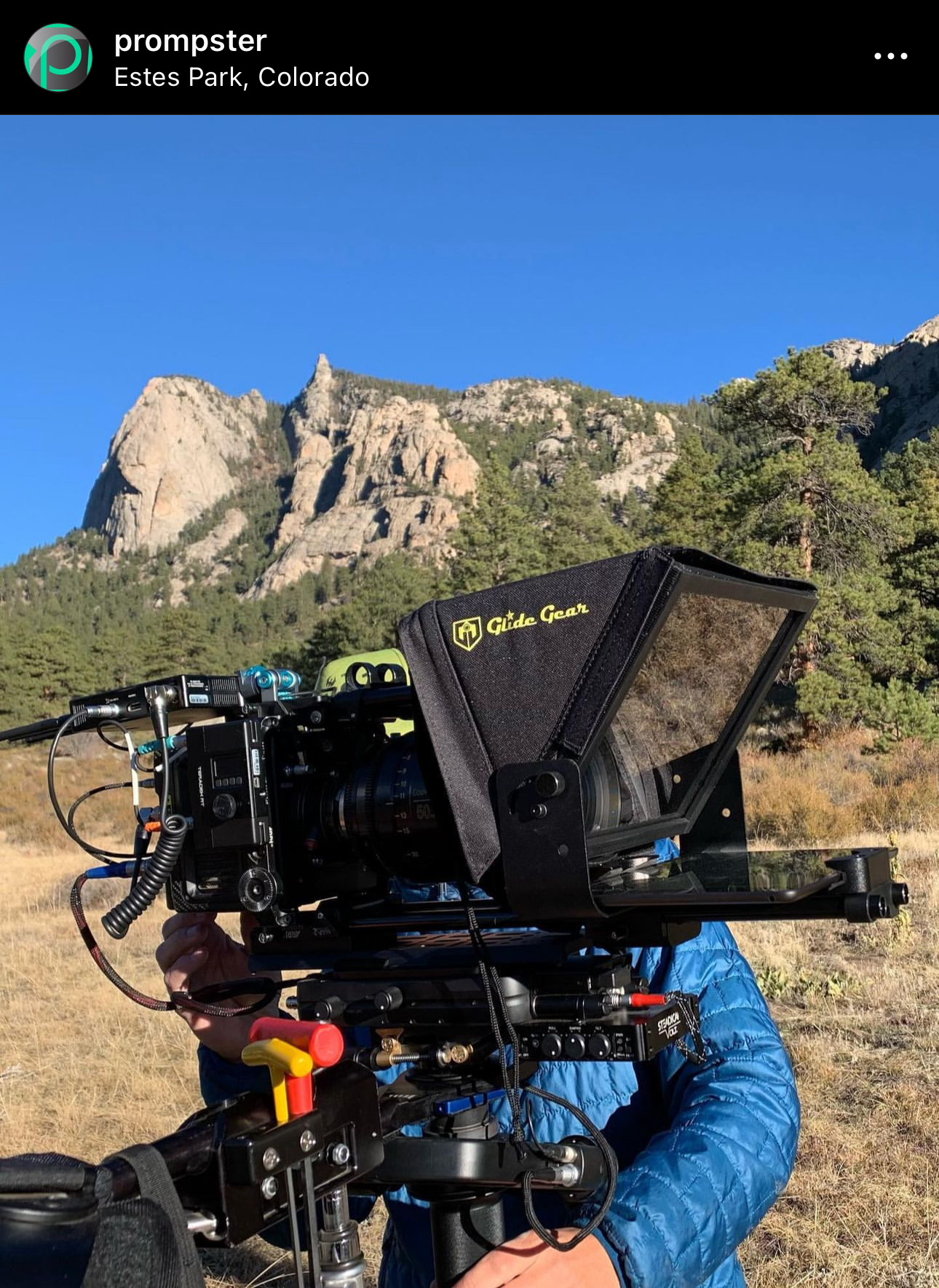
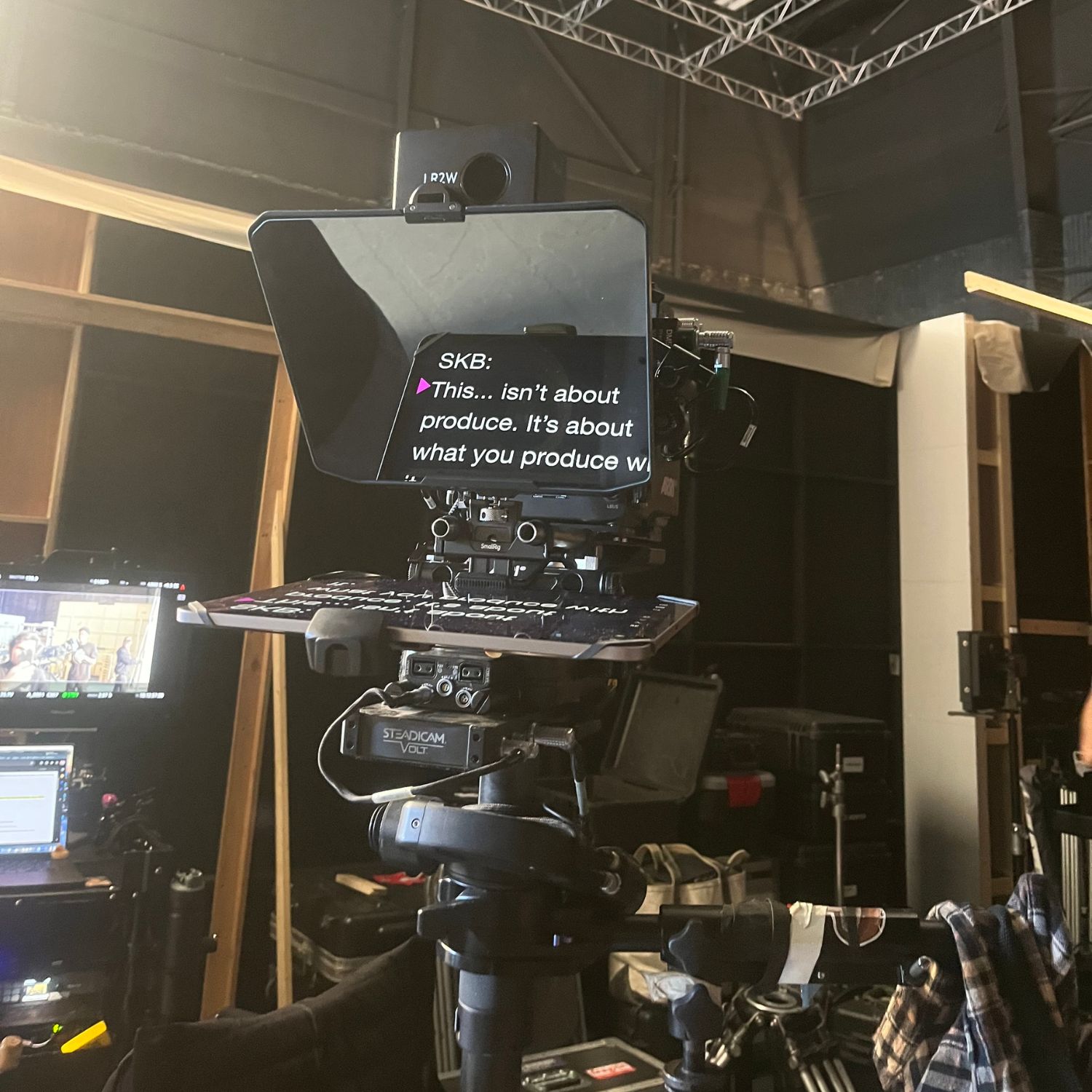
Teleprompter Kits
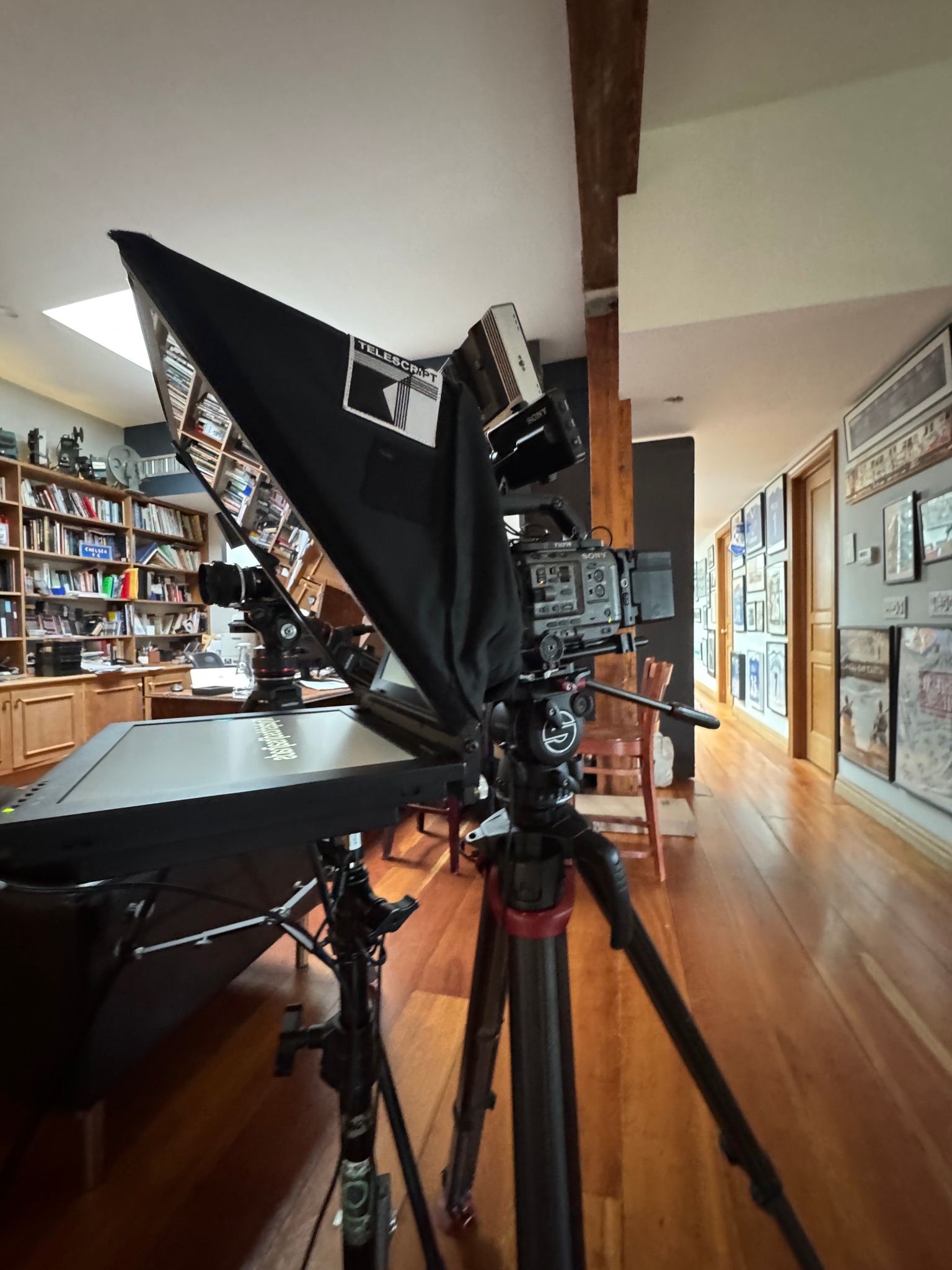
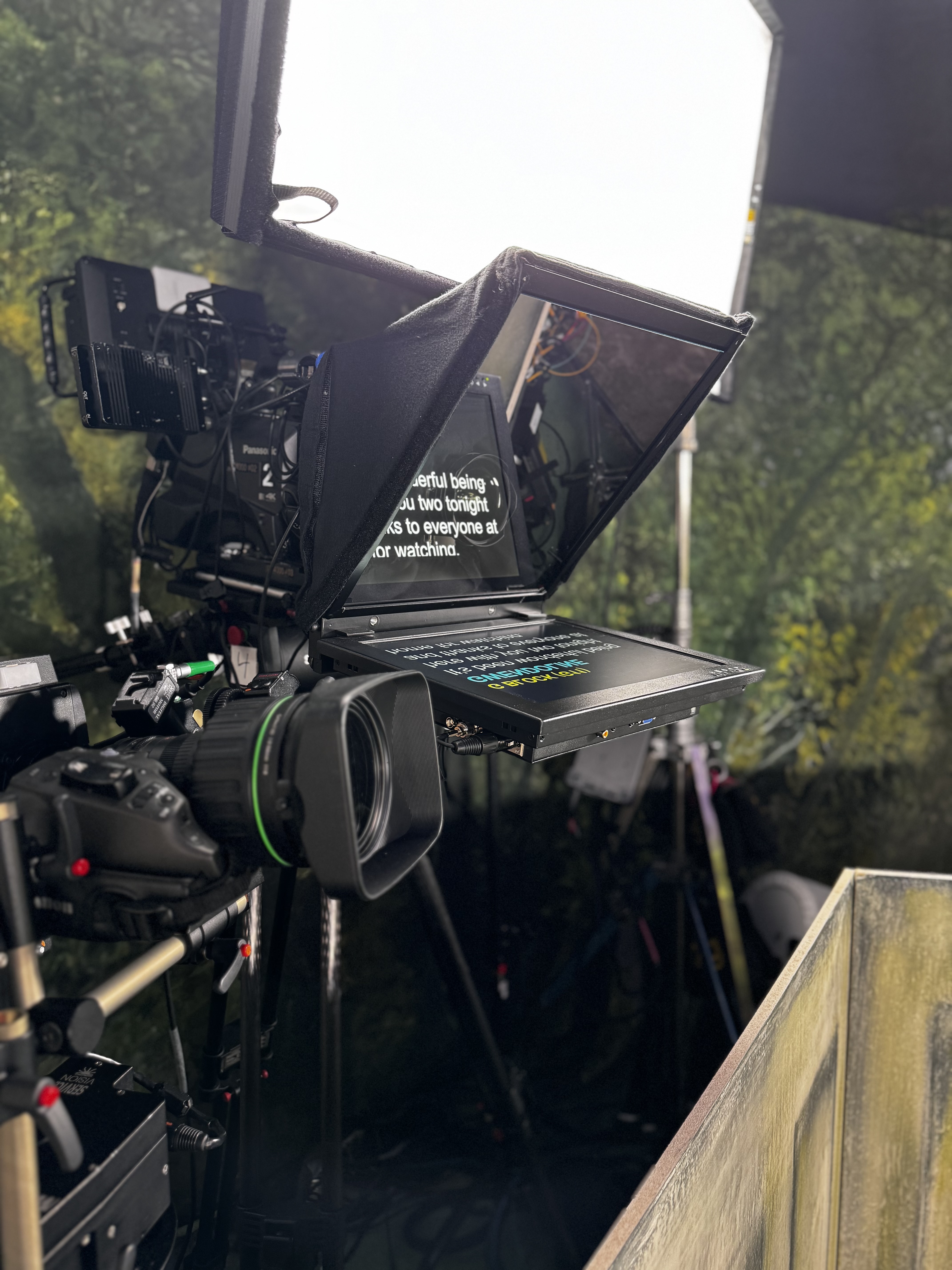
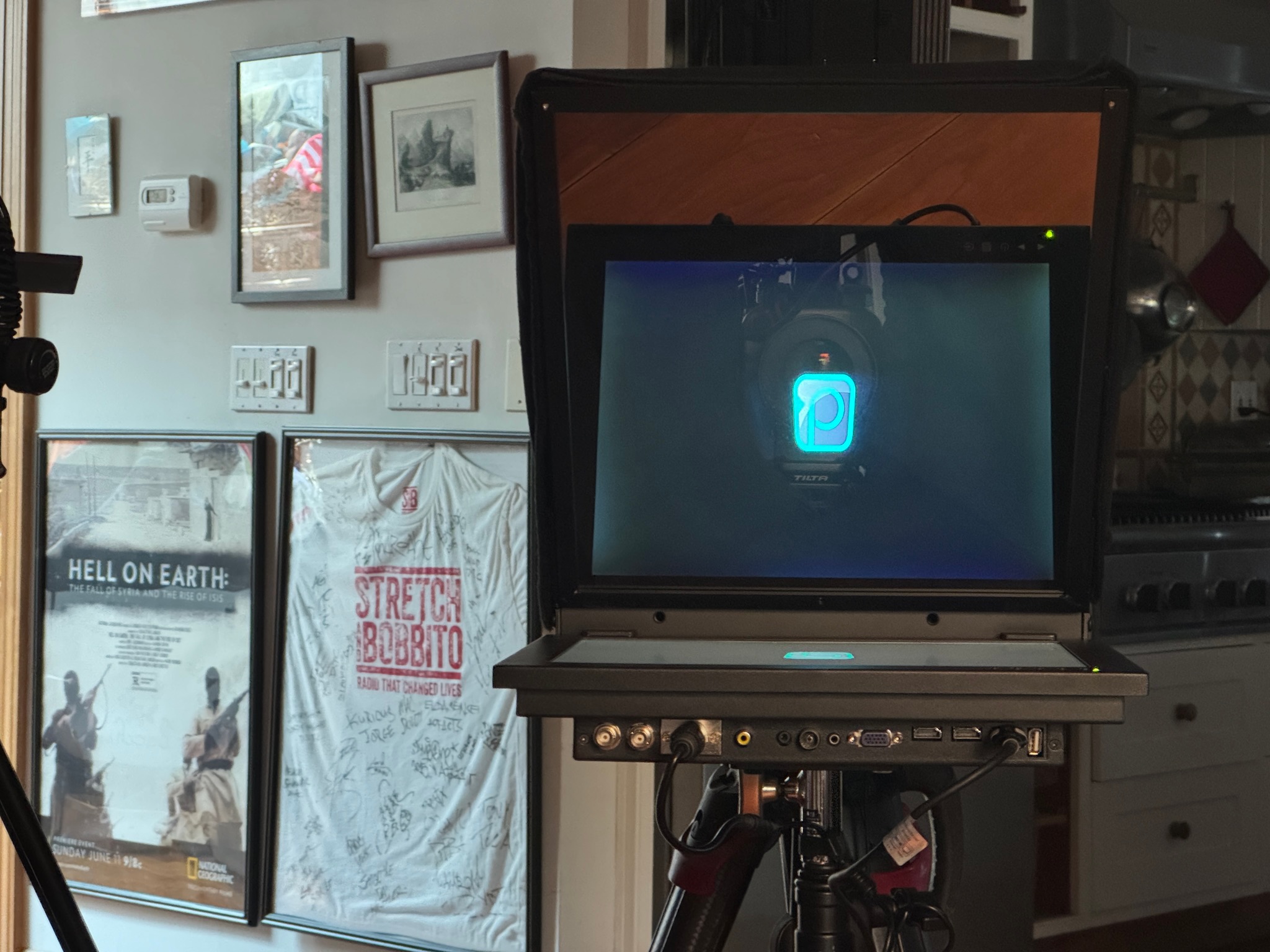
- 15/19/24 inch options
- Wireless options available
- Attach to camera or freestanding
- High-brite screens

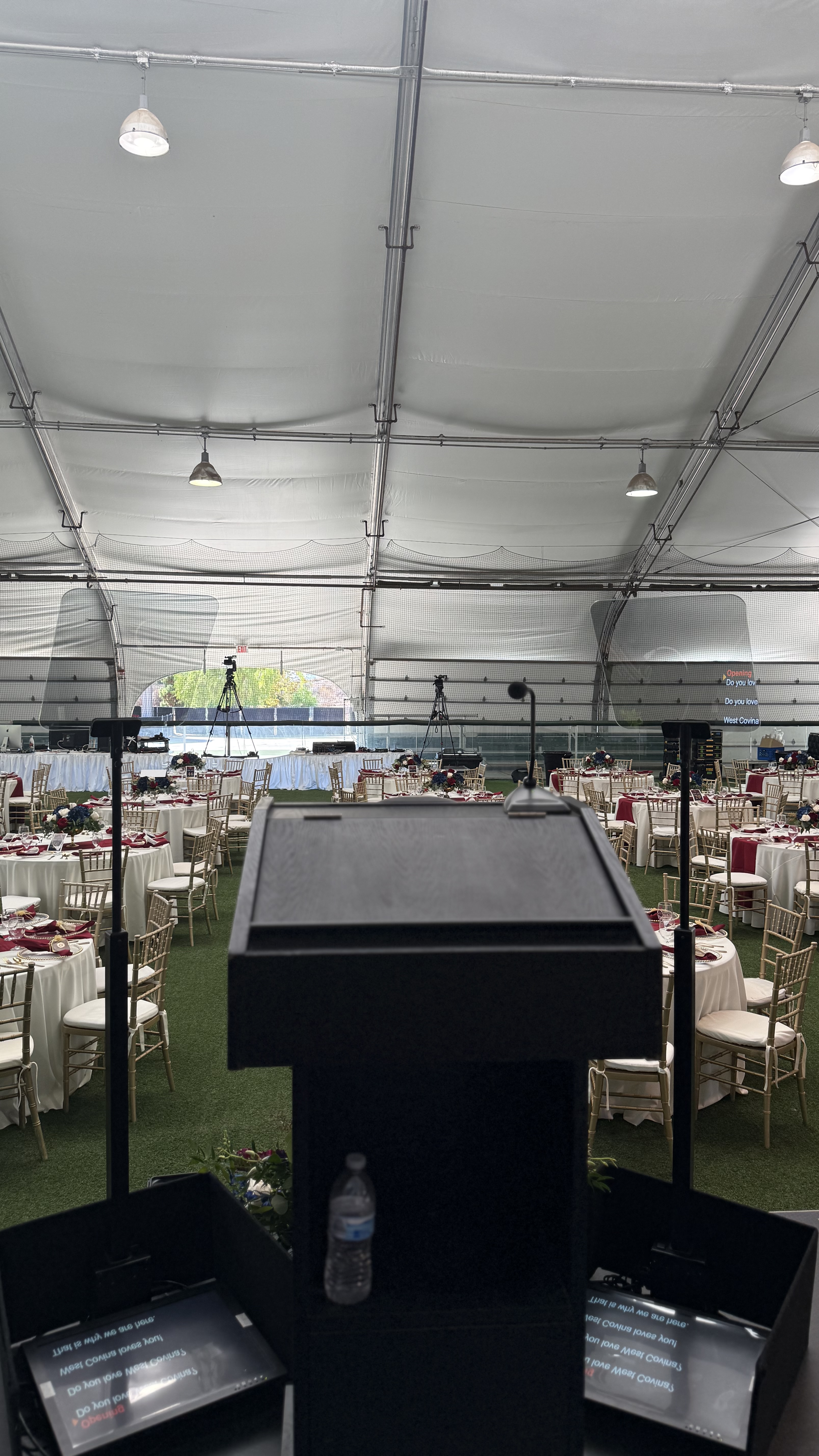
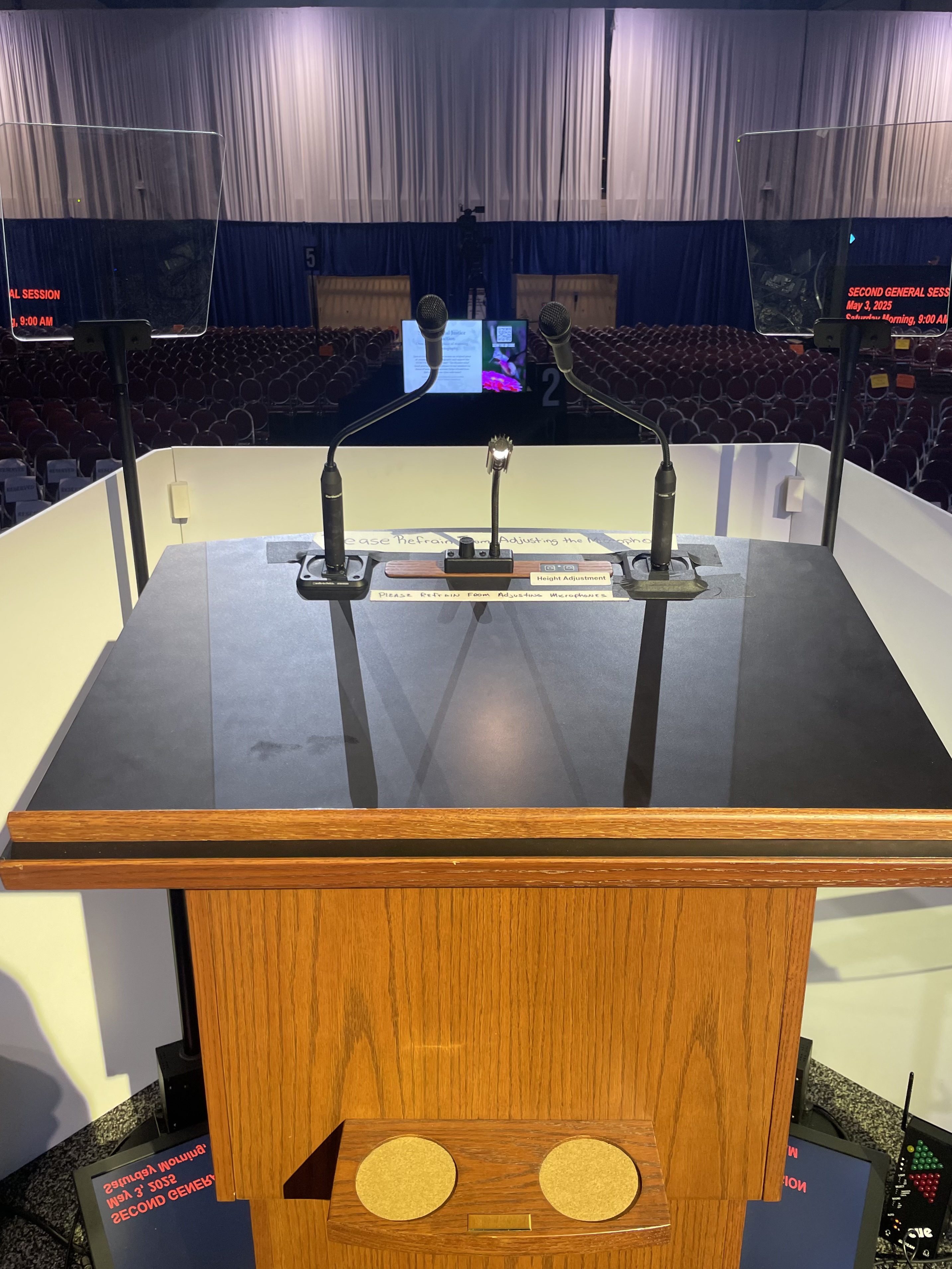
Presidential Kits
- Robotic kits w/ hand controller
- Various height adjustments
- Indoor + outdoor kits available
- Political events + galas

Remote
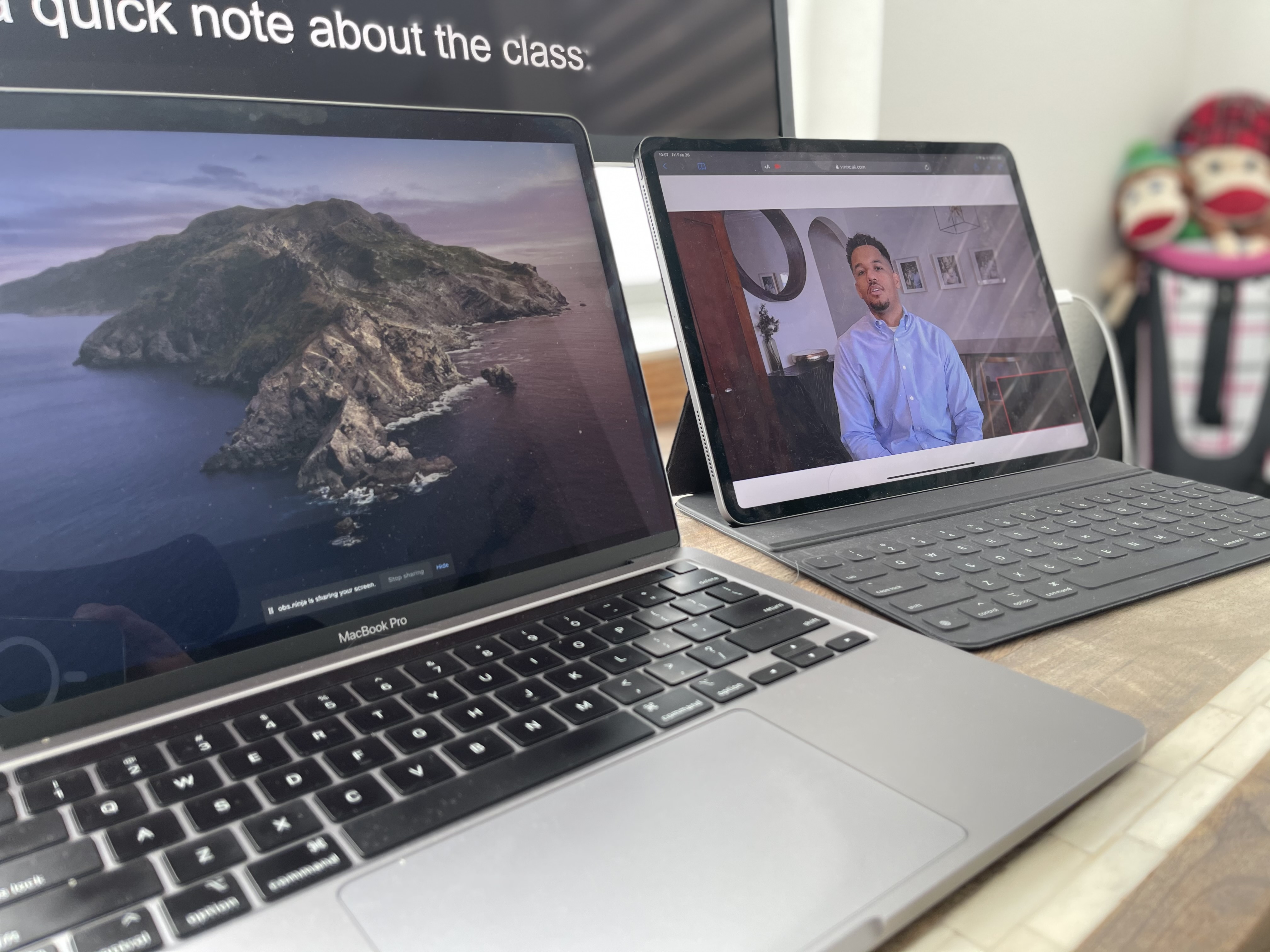
- Unique links using VDO ninja
- Prompt right in Zoom using OBS
- Low latency solutions
- Cross-platform + easy setup


Teleprompter Operators
- Main / back up computers
- Fast Live edits / changes

Graphics Operators
- MacBook Pro based
- PowerPoint / keynote proficiency
- Live edits / changes to decks
- Team w/ Ruby + Citrine for design work

Content / Production Coordinators
- Pre-production meetings
- liaison between client and production
- Version control management


What's Available
- Downstage prompter wedges // made to order
- MDF / Wood options
- Built in power / inputs
- Customizable to needs
- Teleprompter Monitors
- Custom inputs / sizes


What's Included
- Staffing / budgets for video shoots + events
- Work with our partners to help put your shoot + event together

Our Preferred Partners


Name Surname
Position, Company name


.png)


on site
take a peek behind the curtain


FAQs
Review common questions about multi-room setups, rehearsals, staffing, and equipment.
Yes. Scripts can be organized by presenter, session, and stage, with formatting and pacing adjusted for each speaker. A clear content workflow helps the operator move between keynotes, executive remarks, introductions, and moderated segments without using outdated files.
Yes, subject to equipment and crew availability. Multi-room conferences require a plan for each room’s schedule, speaker count, camera setup, viewing distance, rehearsal window, content process, and local AV contacts.
Conference setups may use presidential glass, downstage monitors, wireless systems, on-camera teleprompters, or a combination. The best configuration depends on whether speakers remain at a podium, move across the stage, or address cameras and remote viewers.
Send the most complete versions as early as practical so formatting and technical checks can begin. Updates can still be incorporated later, but consistent file names, speaker labels, session order, and a designated approval contact help prevent confusion.
They can be valuable when a conference has many speakers, rooms, revisions, or approval teams. Content coordinators organize assets and versions, while script supervisors focus on script accuracy, cues, and live changes.
Still have questions?
Send your agenda, room plan, and speaker count to scope conference support.


